Nuke 11.1 Release notes
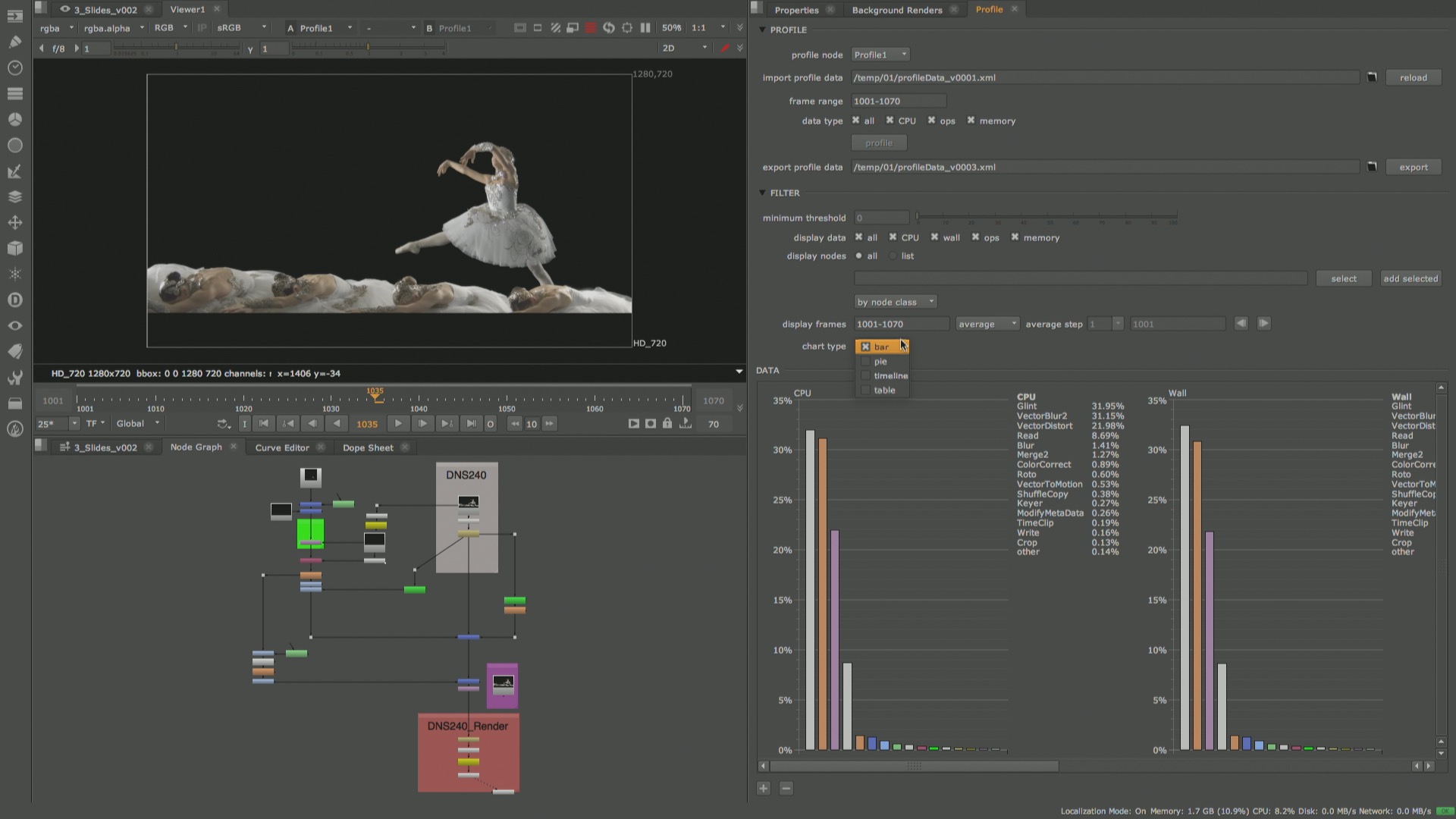
Visual Script Diagnostics
The new Profile node makes Nuke’s performance profiling system easily accessible through the UI. These tools can be used to help identify possible areas for optimisation in a script. A Profile node can be inserted at any point in a script, allowing performance data including CPU time, wall time, number of ops and memory usage, to be captured for all upstream nodes. The resulting data is viewed in a new Profile panel that allows you to display the data in a bar chart, pie chart, as a list of nodes, or across a timeline and filter the data shown using a variety of options. Profile data can be easily exported and viewed in another session of Nuke without the need to load the script or reprofile.
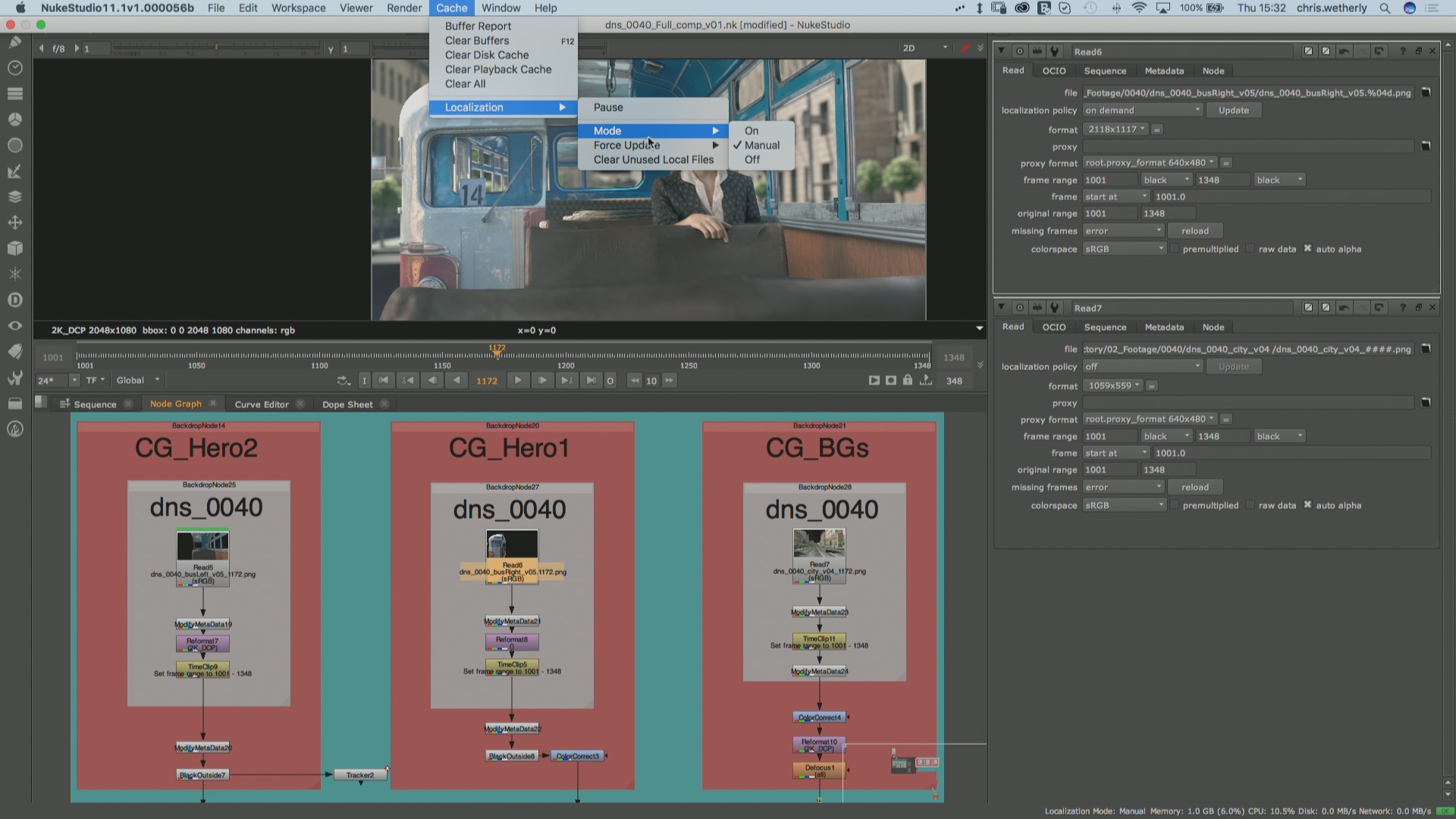
Localization system improvements
Nuke and Nuke Studio’s file localisation system has been updated to provide more granular control over when and which files are localised; while also introducing more visual cues to showcase the status of localised files, for a more intuitive experience. A new “Manual” mode and “On Demand” policy introduce the ability to localise files, or a subset of files, only when prompted by a user. Manual mode is saved as a preference, allowing you to maintain this setting when opening scripts made by other users which may have different localisation policies. The Python API has been extended to allow developers to set system modes and localization policies programmatically. The API also provides the ability to set localization priority, apply policies based on read node type, and find and remove localised files according to specific criteria.
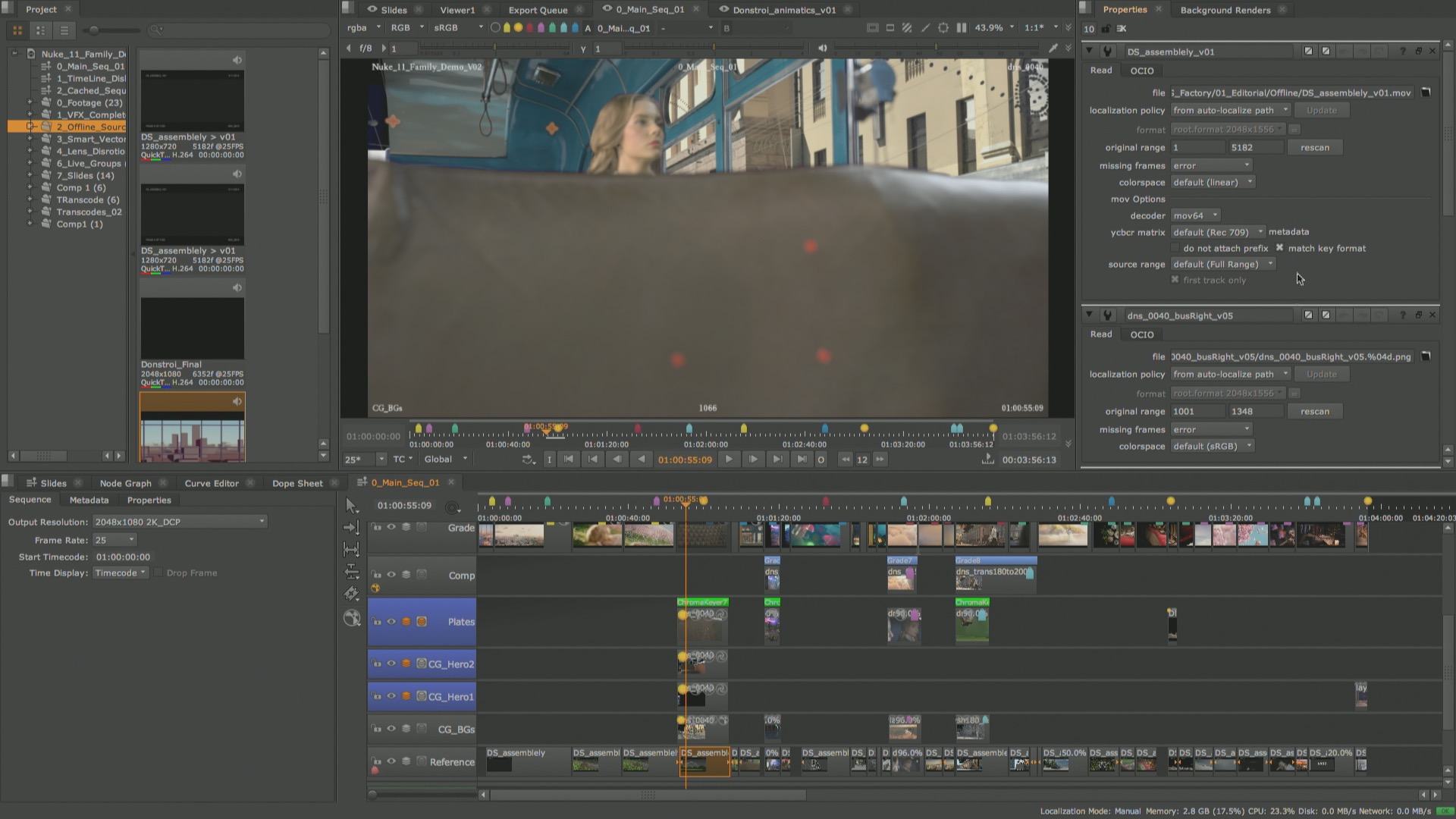
Nuke Studio: Expanded source clip properties
Properties for source clips in the Nuke Studio and Hiero timeline have been extended to offer more consistent properties with Read nodes in Nuke and create more efficient workflows across the Nuke Family. Source clip properties are now shown in a Nuke style Properties panel. This consolidates existing options into a single location, providing faster access and greater control. A new Project root directory allows source footage file paths to be relative, making the sharing of projects between locations or artists easier and more efficient. In addition, source clip properties are accessible through the same Python API as Nuke, improving scripting capabilities and the ability to integrate Nuke Studio into existing pipelines.
Cara VR 2.0 Release notes
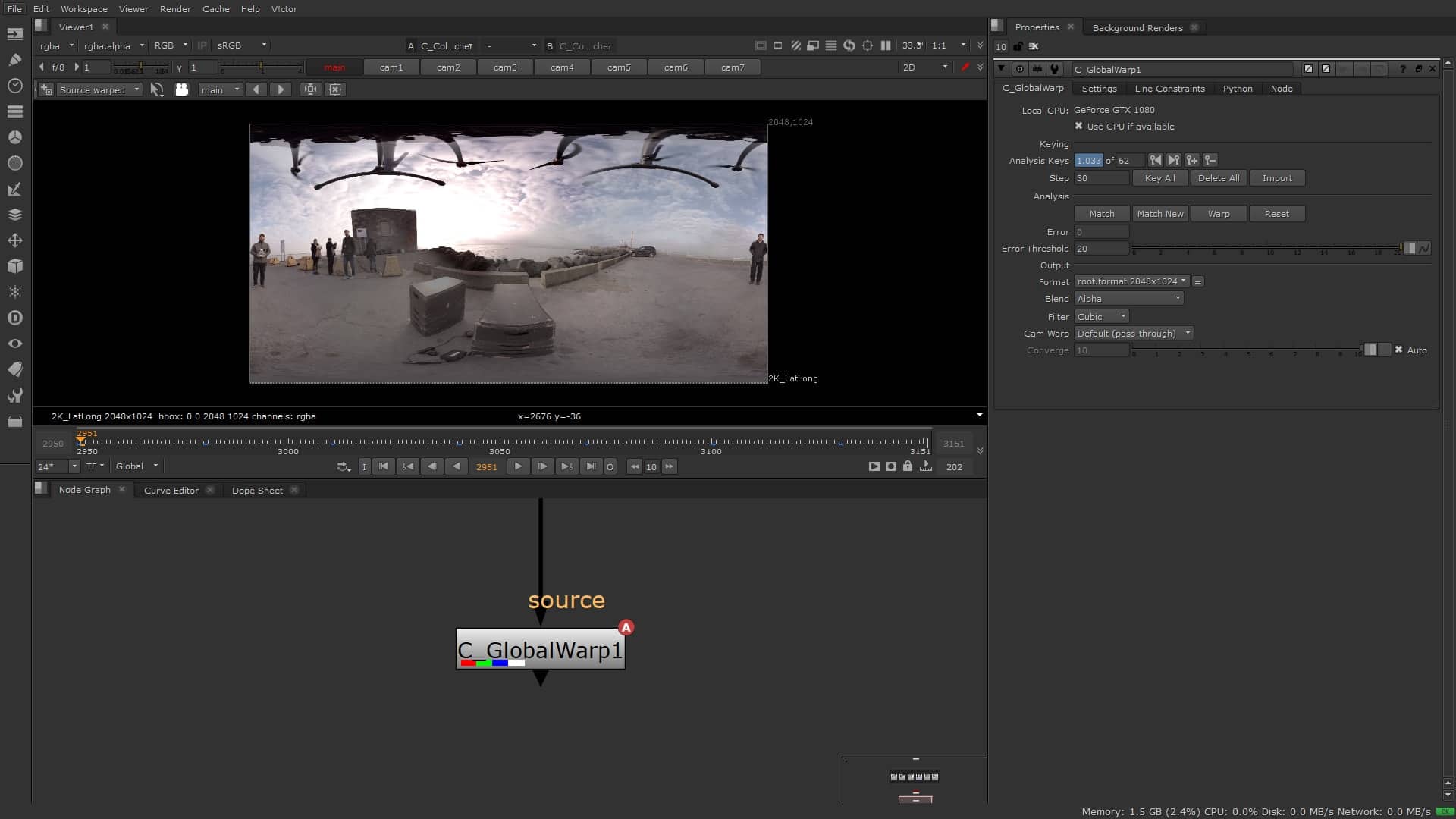
Updated stitching tools
The new GlobalWarp node speeds up delivery of stitches while producing a higher quality 360 stitch with minimal ghosting. GlobalWarp adds additional controls for lining up key features in overlapping areas and allows you to add constraints to reduce warping on known straight lines in the rectilinear input images, even for objects overlapping multiple camera views.
360 match-move and stabilisation
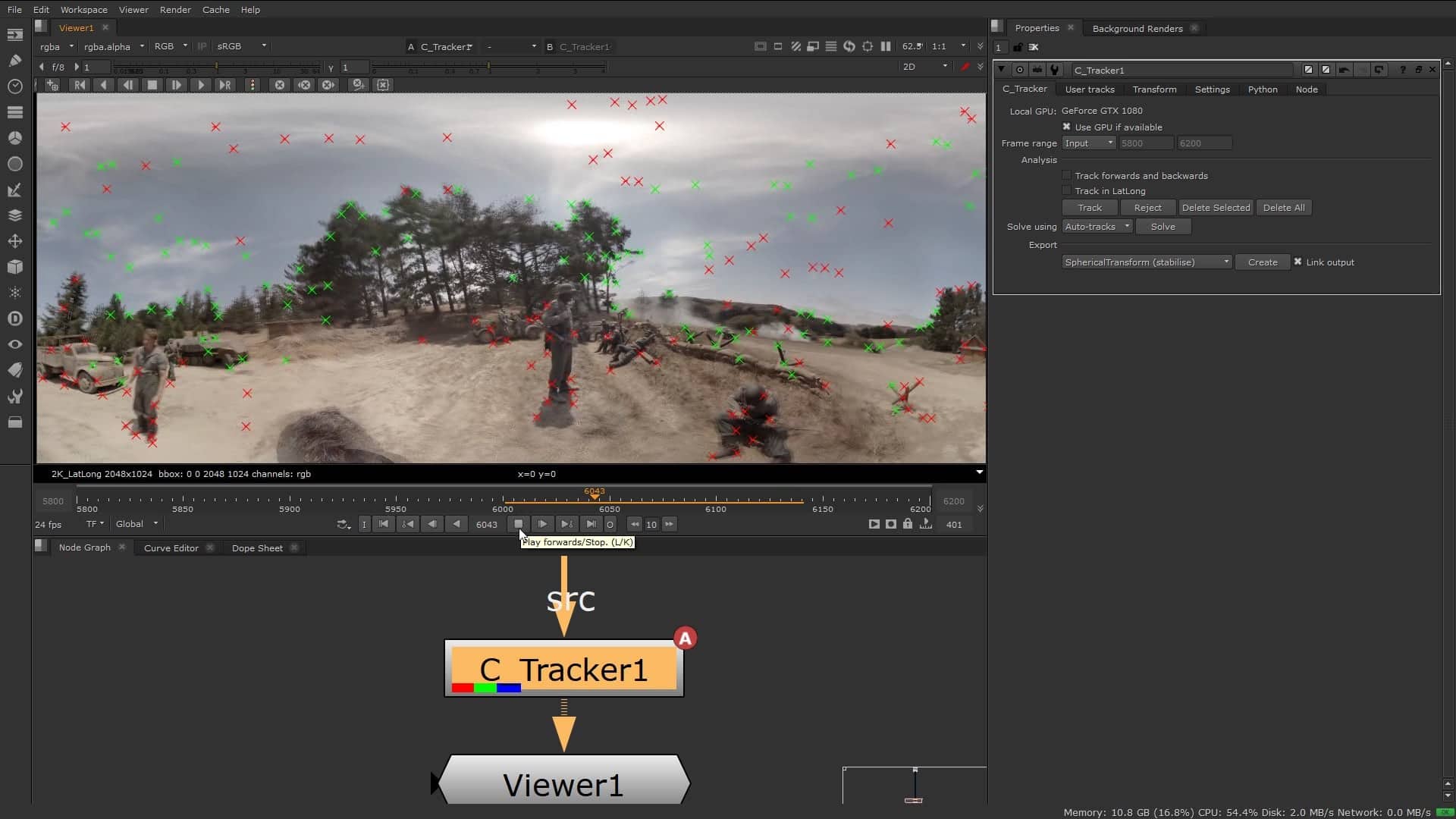
Cara VR’s Tracker node has been redesigned to simplify and accelerate the process of stabilisation and match-moving for a more comfortable VR experience and easier alignment of 3D elements. The new Tracker adds automatic tracking and stabilization to your 360 stitch. You can then use the existing user track workflows to refine the track and lock stabilisation to particular regions.
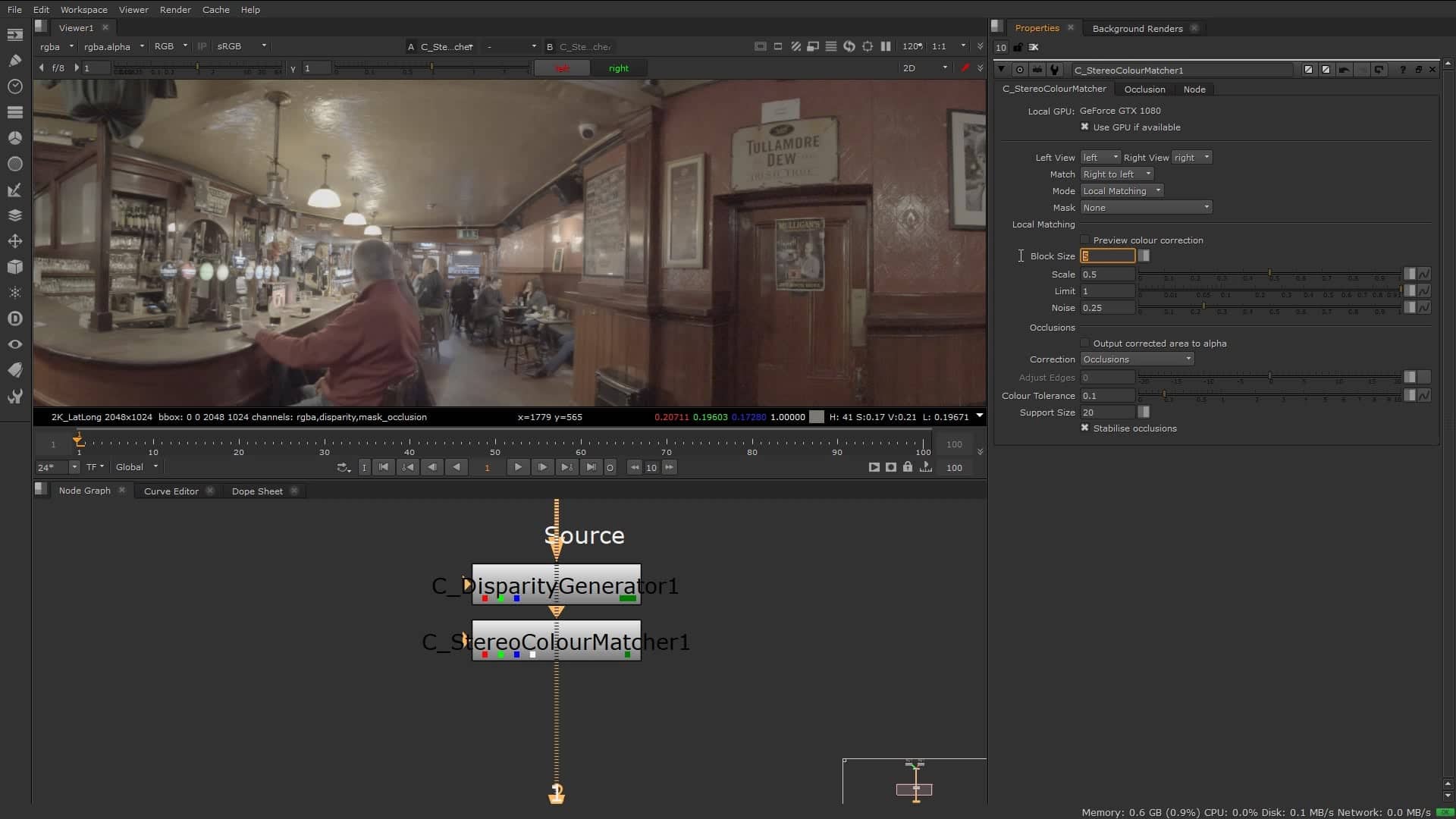
Ocula tools for stereo corrections
Cara VR 2.0 includes a suite of tools adapted from the powerful Ocula toolset which take the headache out of stereo cleanup, especially in footage with color, focus and alignment inconsistencies between views. This release includes updated versions of the Disparity Generator node, which generates high quality disparity vectors for depth estimation, Disparity To Depth for calculating depth from the disparity vectors, a new Stereo Colour Matcher for unifying color between left and right views, and New View, allowing you to rebuild one view from another, all optimized for use with 360 footage.