Modo 14.1 View Release Notes
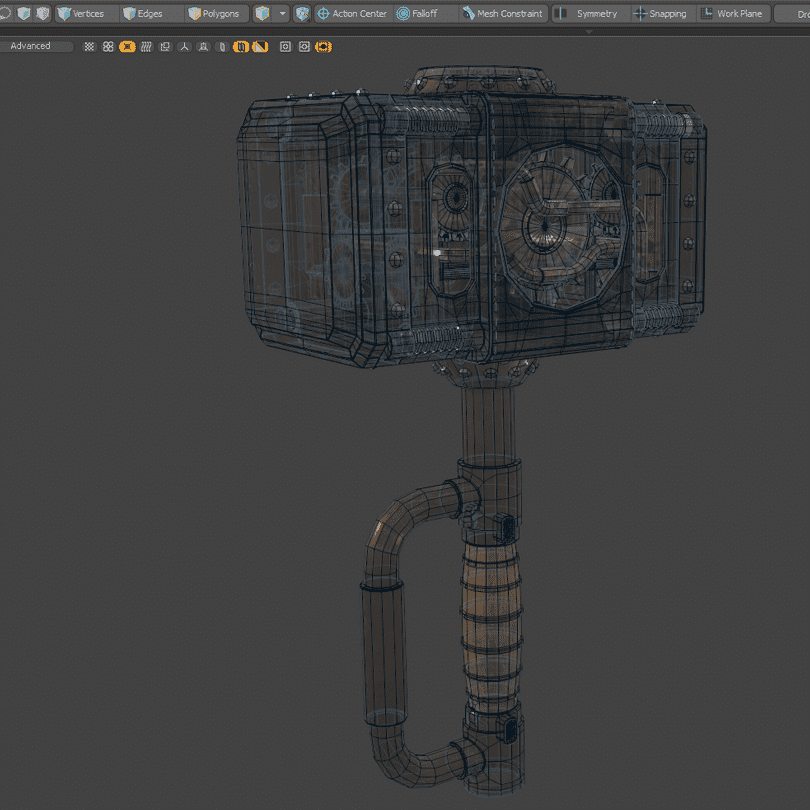
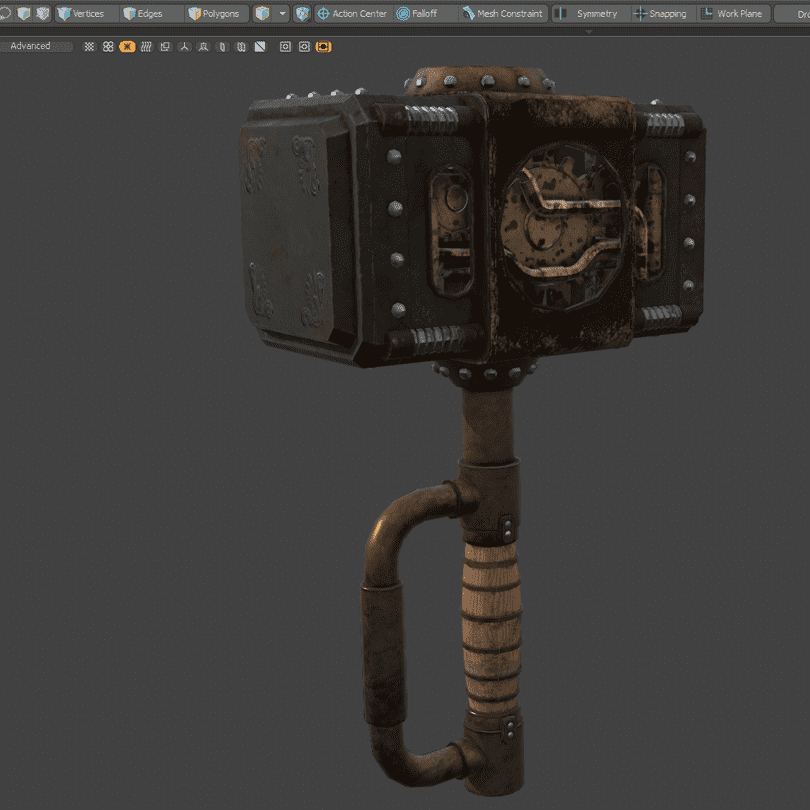
Advanced Viewport Ghost & Xray Support
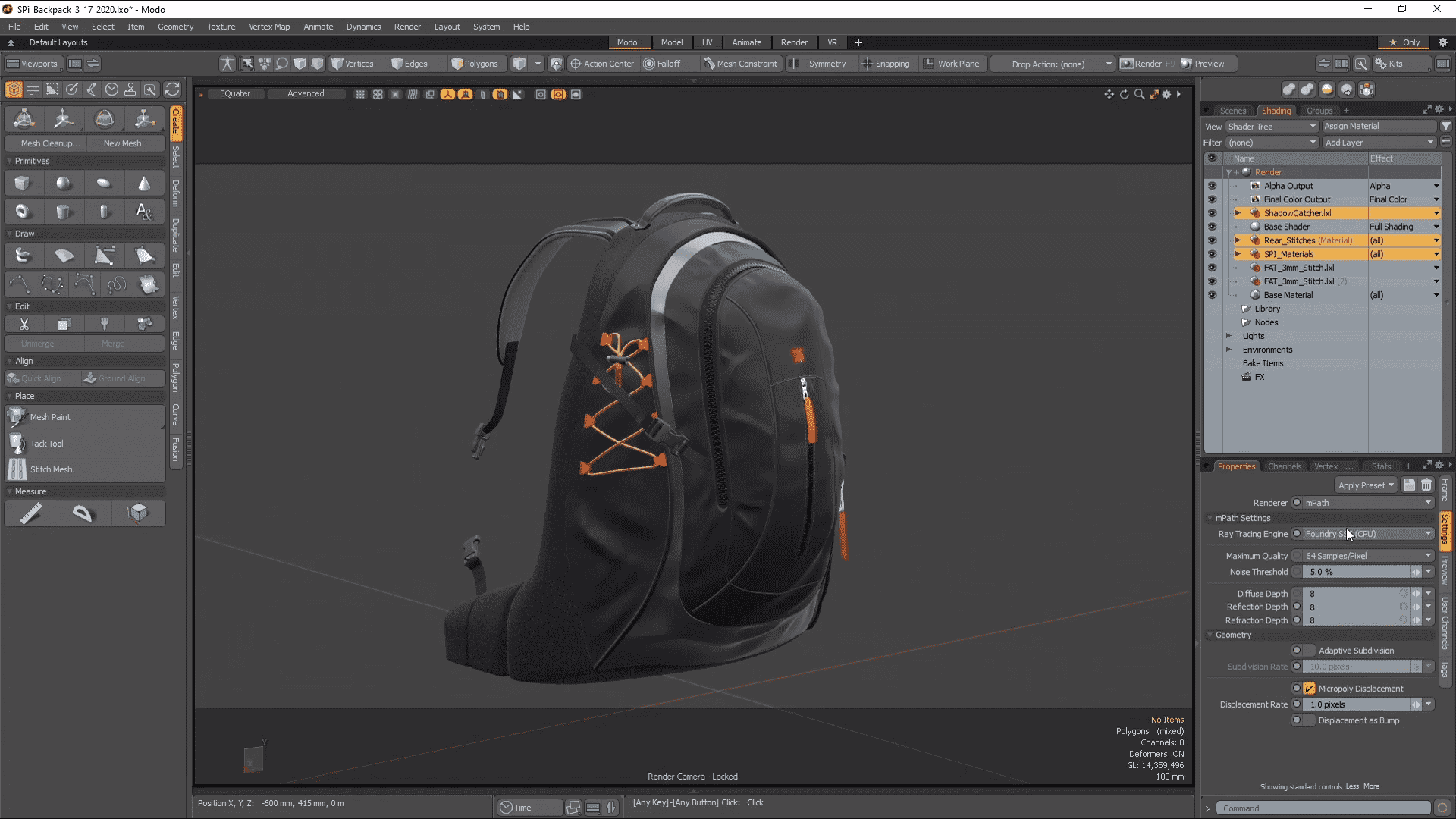
Whether you’re modeling or animating, coherent and customizable visualization of geometry is essential. Ghost and Xray viewport modes help you see what you need, when you need it, letting you stay in the creative flow. Now if you want to visualize your scenes with Ghost & XRay you can enjoy the quality that the Advanced Viewport provides too.
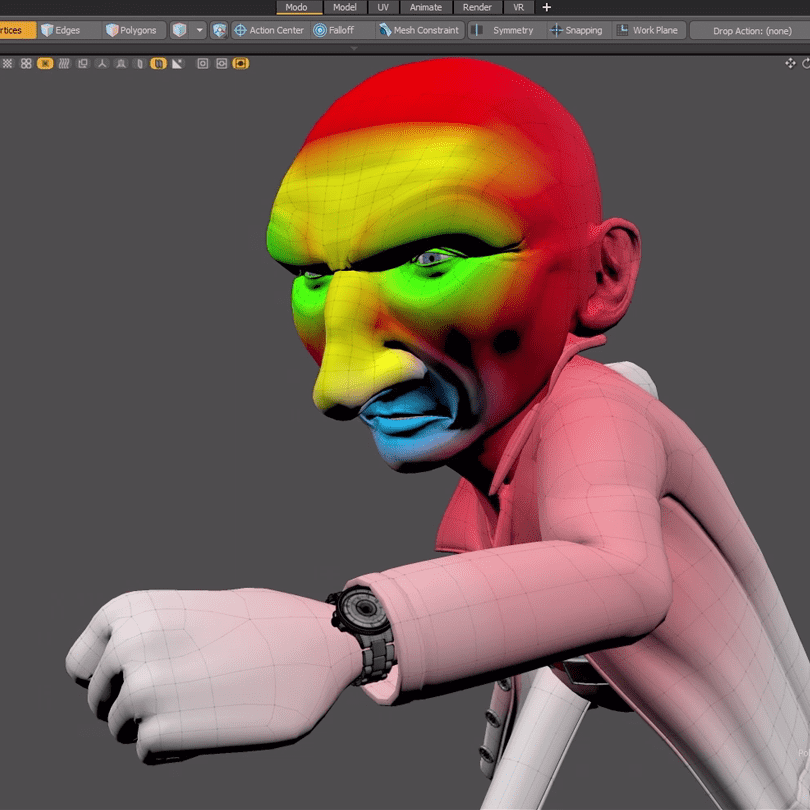
Advanced Viewport Vertex Map Texture Support
Visualization of your Vertex Maps allows you to make fast decisions and edits without having to fiddle with parameters. Now you can visualize Weight Maps, UV Distortion, and Vertex Colors in the Advanced Viewport.
Advanced Viewport Improved Processing
Complex scenes can be a challenge to visualize at high quality. In Modo 14.1 the Advanced Viewport has been optimized for faster Shader Tree and Shader Group processing for better performance when working in complex models and environments.
Performance Improvements
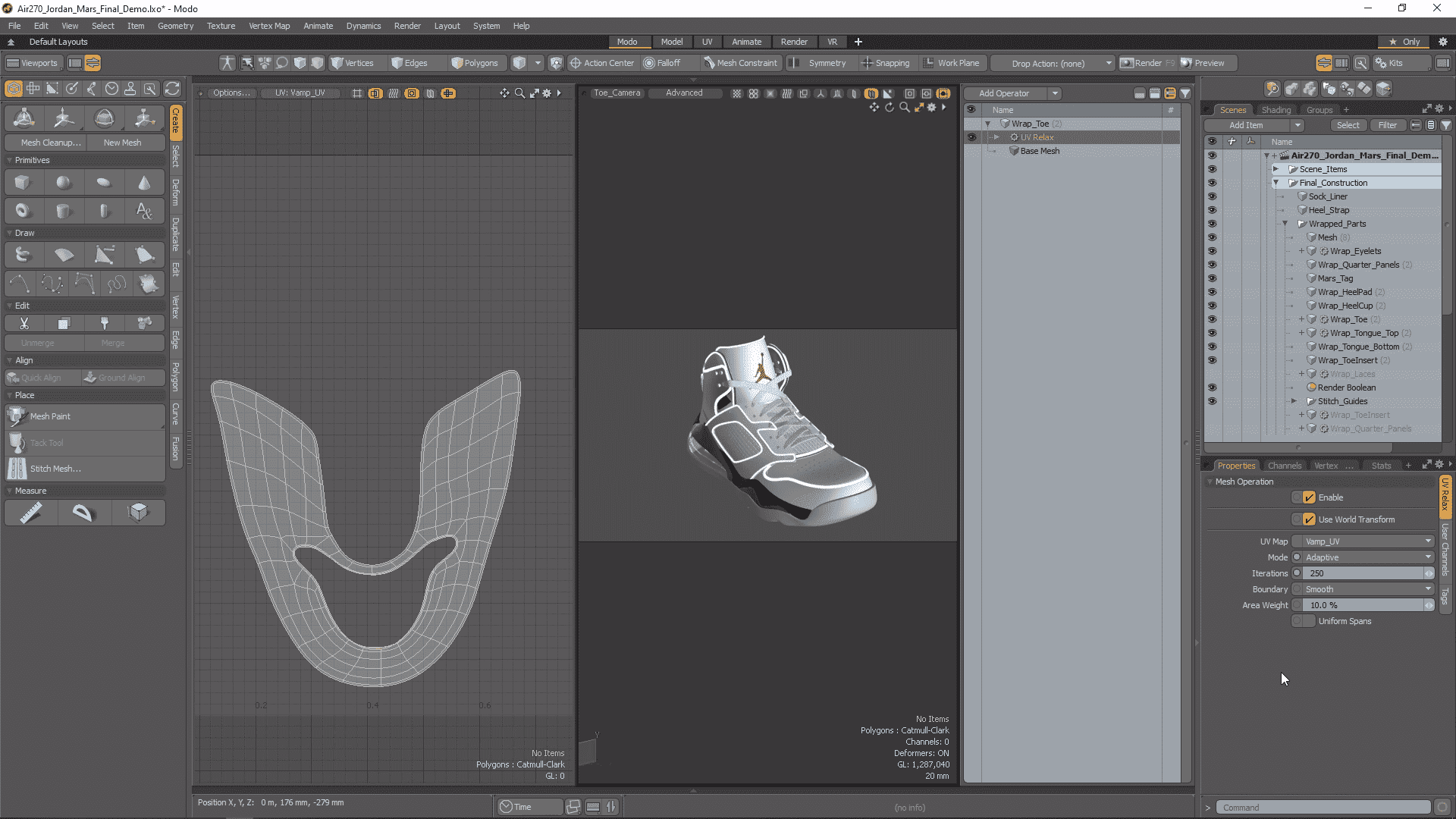
Always striving to improve performance, Modo 14.1 brings a handful of performance improvements to speed up your daily work.The UV Relax Mesh Operation has been multi-threaded in Adaptive mode offering up to 5X speed increase when relaxing UVs. The Edge Remove operation has also been significantly improved for speed increases between 5 and 20 times.
Bevel Auto Weld
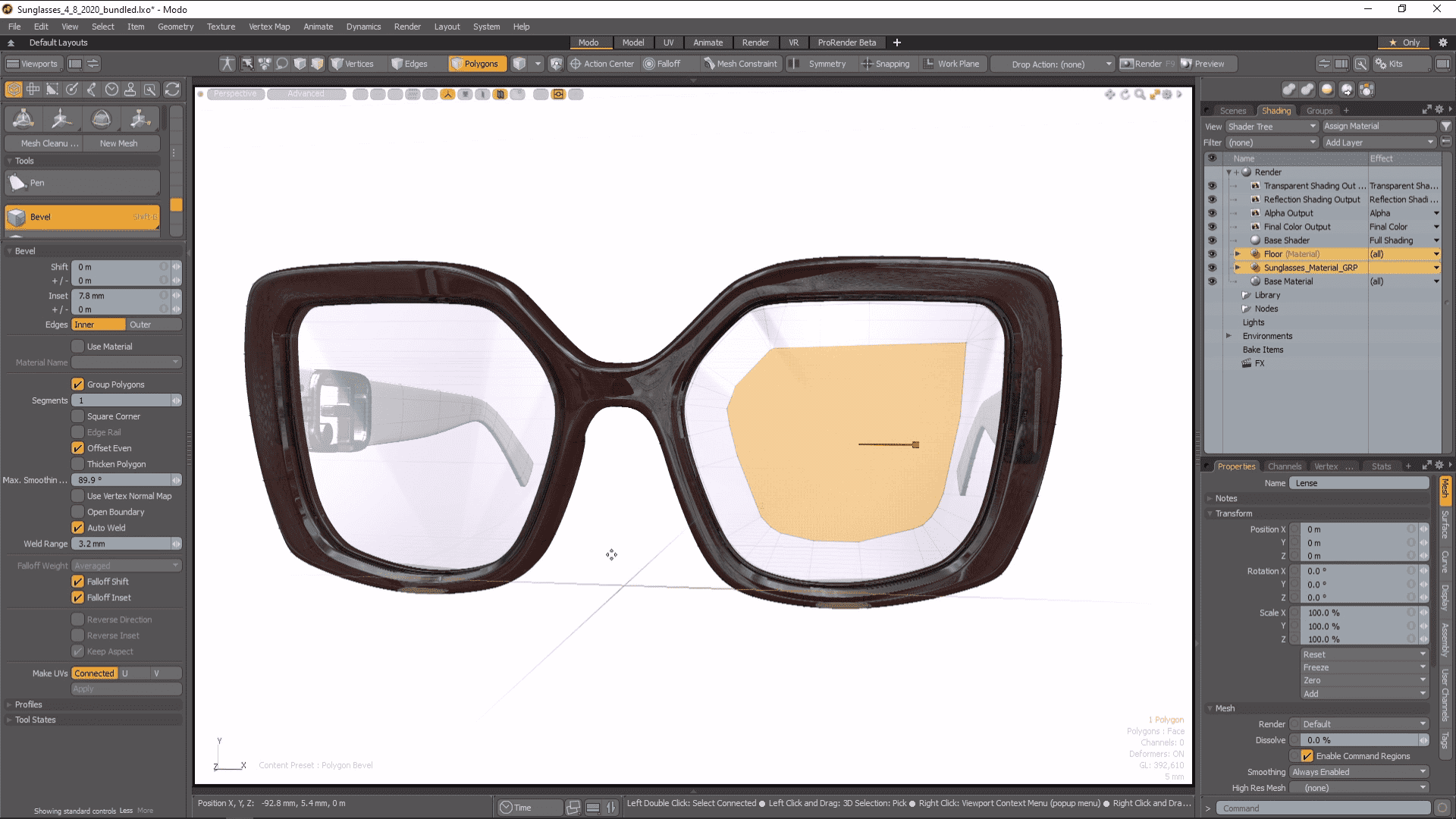
Worrying about overlapping geometry when beveling is a thing of the past with the new Bevel Auto Weld feature in Modo 14.1. A new option for polygon bevel, Auto Weld computes the border loop of selected polygons and then stops the inset vertices at a point of contact. Whether direct or procedural modeling Bevel Auto Weld is a really powerful tool many Modo modelers will appreciate.
Curve Sweep Point Mode
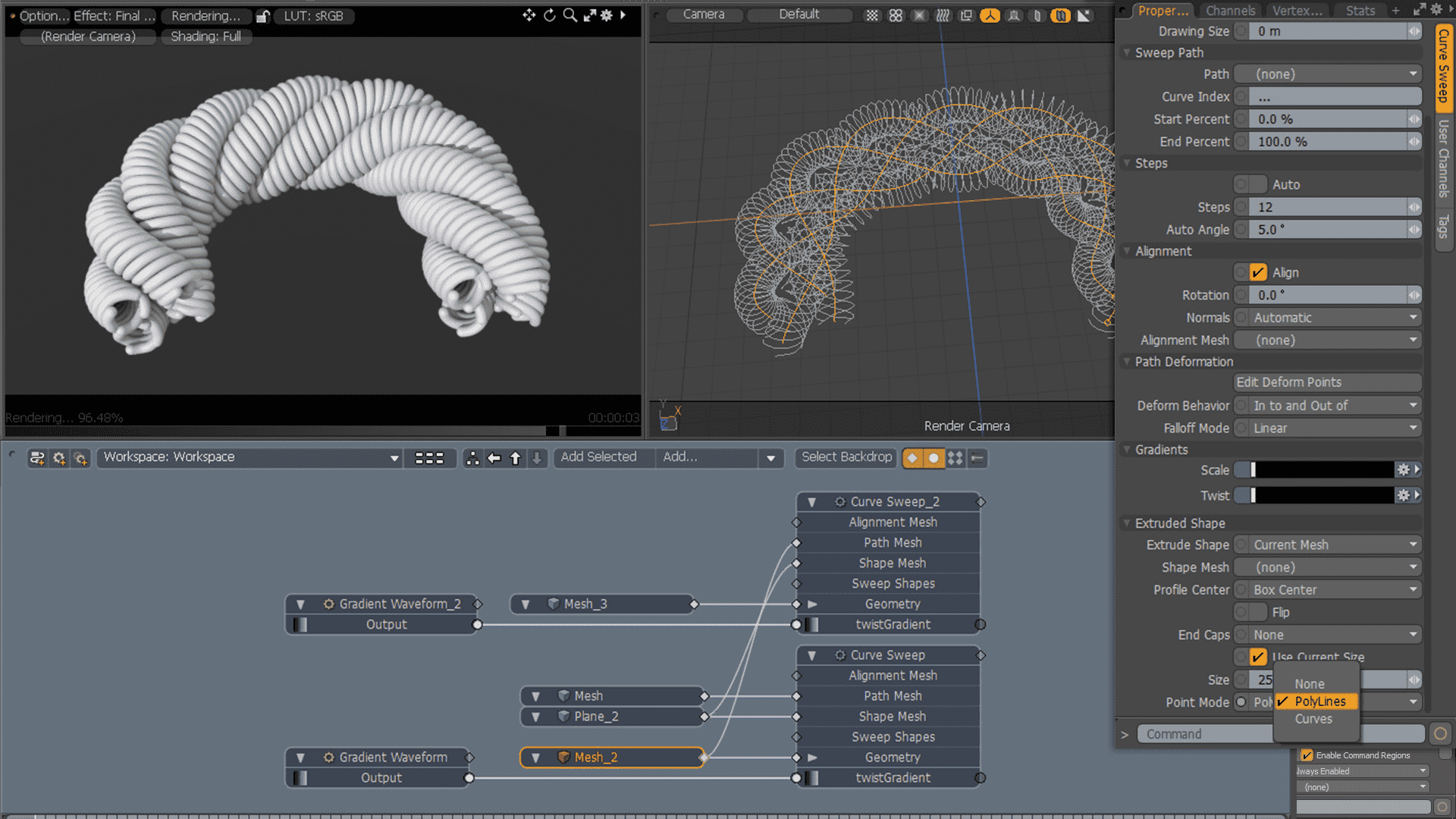
Curve Sweep has a new mode, allowing vertices of a mesh to be swept along a curve using Curve Sweep. Point mode brings exciting new versatility to Curve Sweep for making vertices into curves.
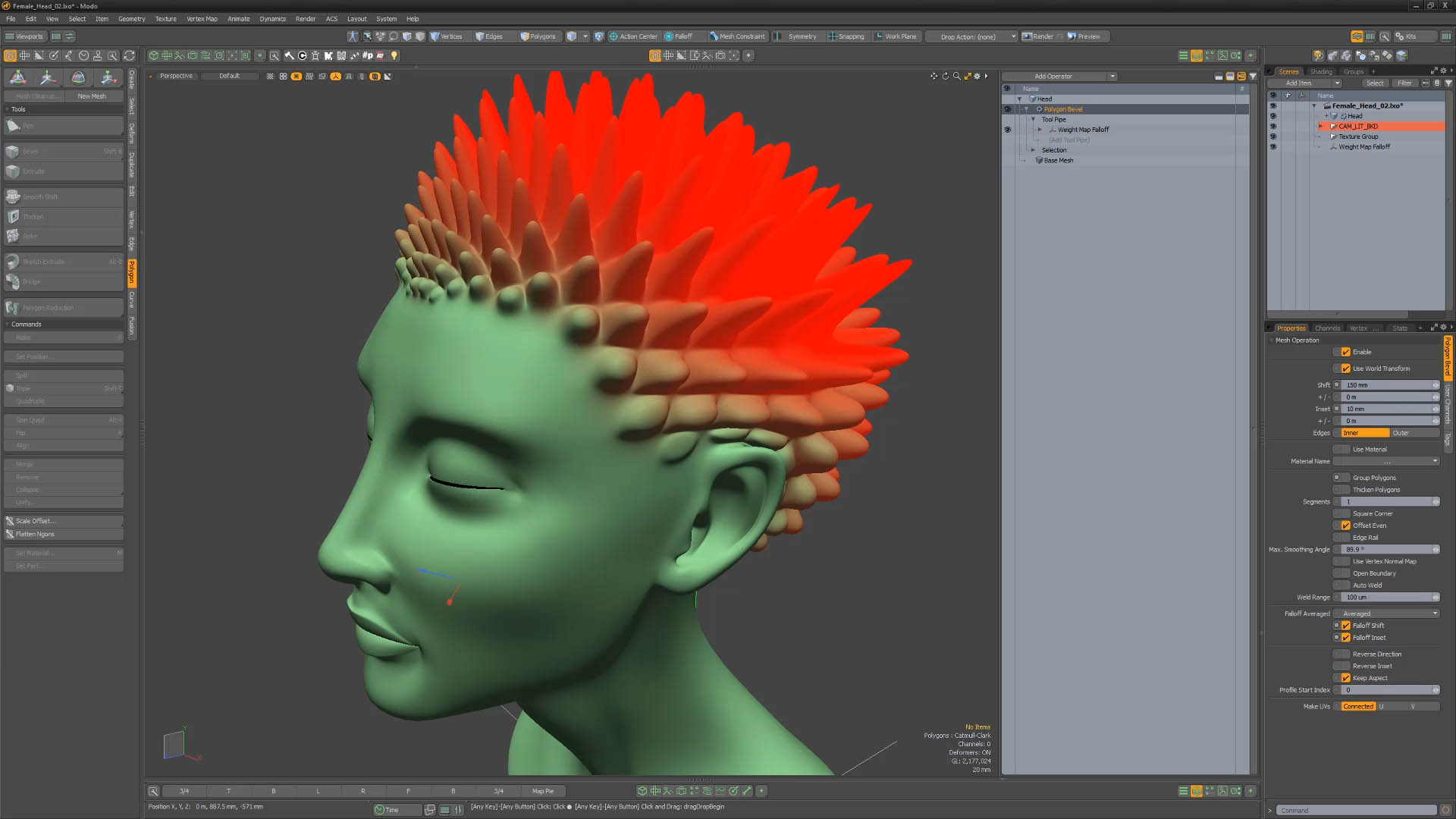
Polygon Bevel Falloff Controls
Falloffs are a powerful and flexible part of Modo’s workflow and you can now use them to control Polygon Bevel. Use all your favorite falloffs with Polygon Bevel Shift and Inset.
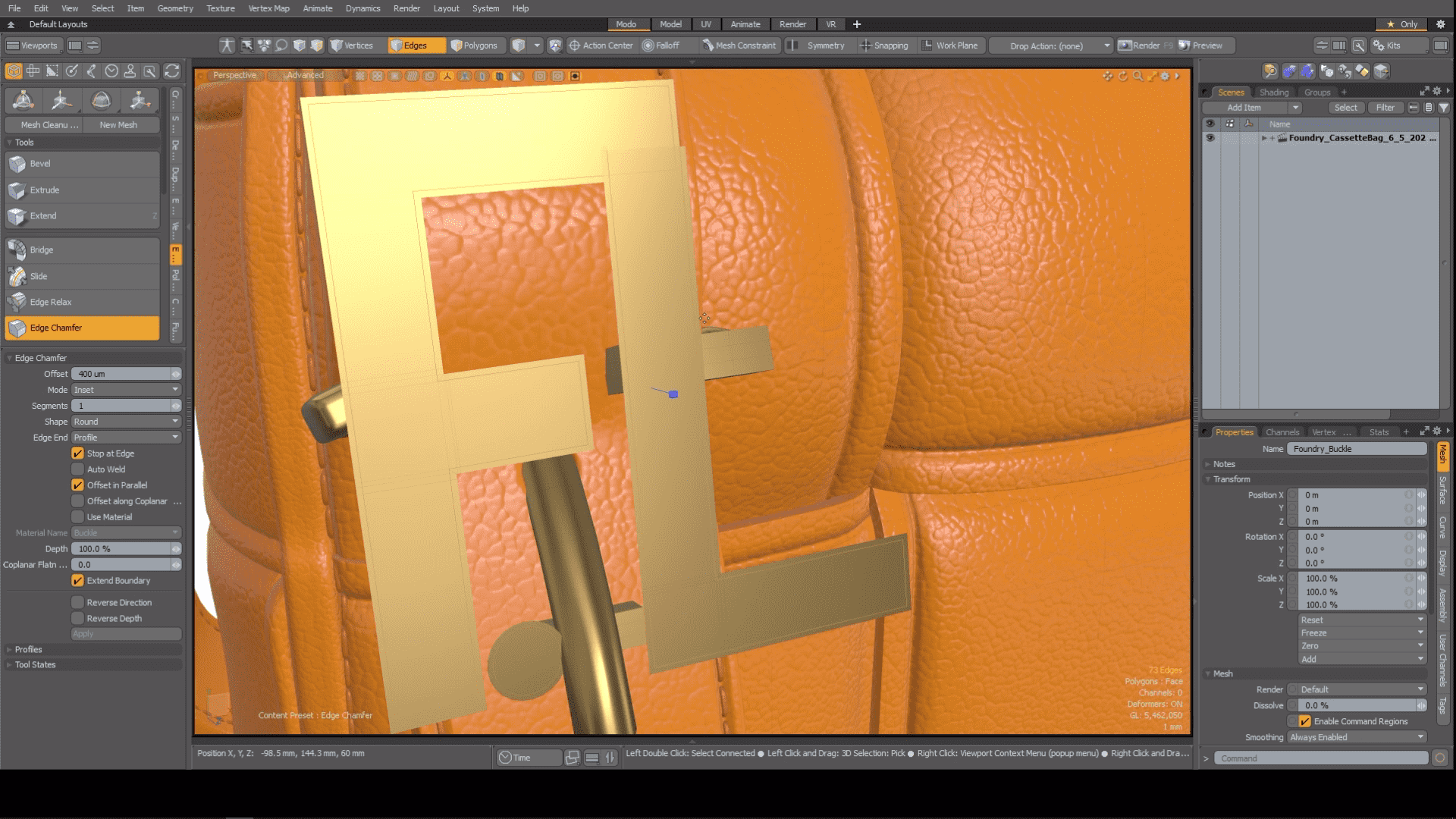
Edge Chamfer Extend Boundary
Sometimes you want to push past the boundary when Chamfering and the new Extended Boundary option in Edge Chamfer lets you do just that. The outgoing direction is computed by the outer face normal and edge vectors. This new enhancement is available both for procedural and direct modeling versions of Edge Chamfer.
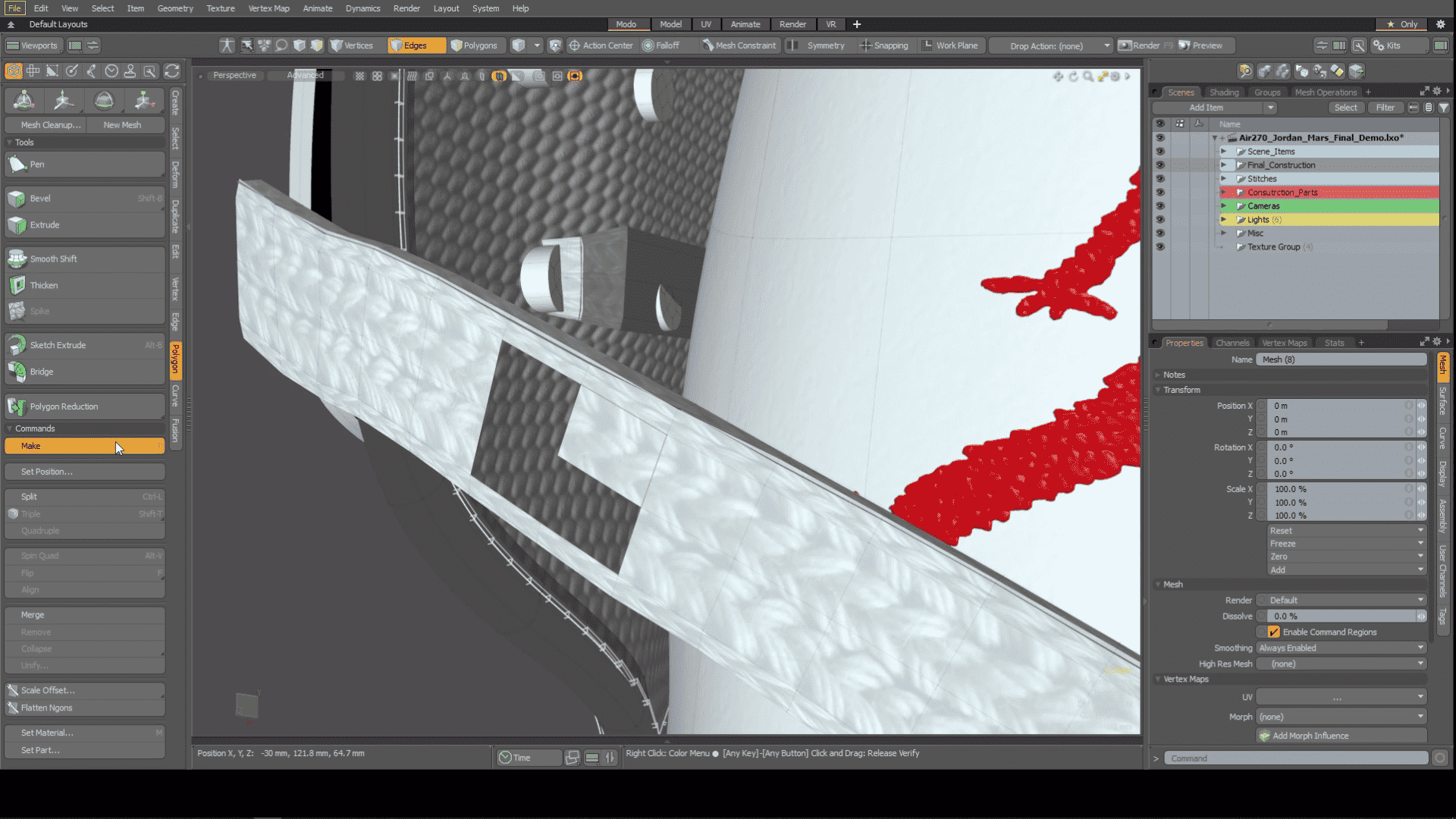
Polygon Make Enhancement
Making simple operations smarter adds speed and agility to the modeling process. Polygon Make can now create a new quad polygon when only two edges are selected.
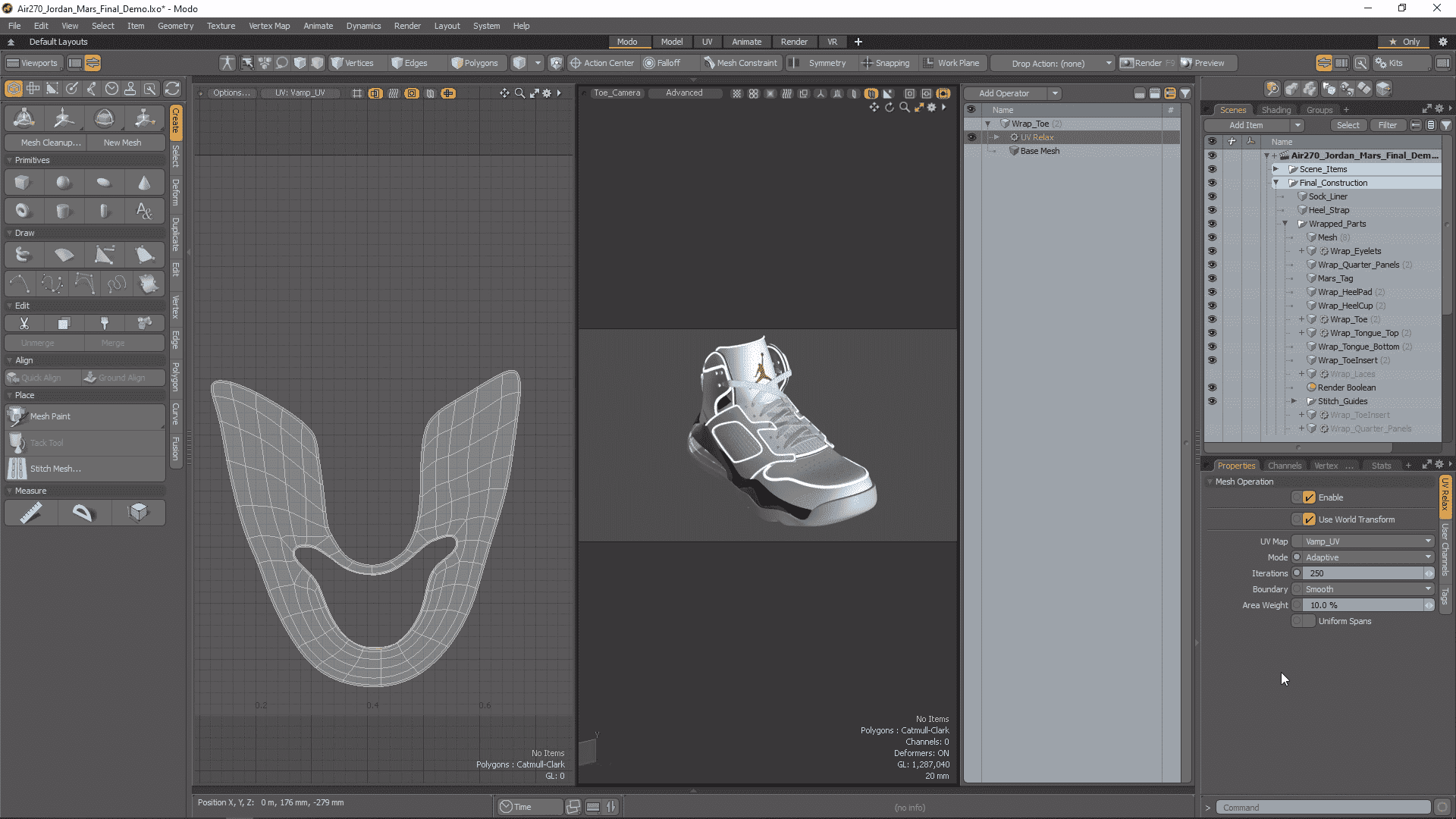
UV Relax Mesh Operation
Get procedural with UVs using the UV Relax meshop. It can be used to refine an existing UV map in much the same way as the smooth tool is used to soften and regularize a model's surface.
Unwrap and Relax Mesh Operation
Unwrap and Relax is a powerful uber tool that makes quick work of complex UV tasks and is now available as a procedural Mesh Operation.
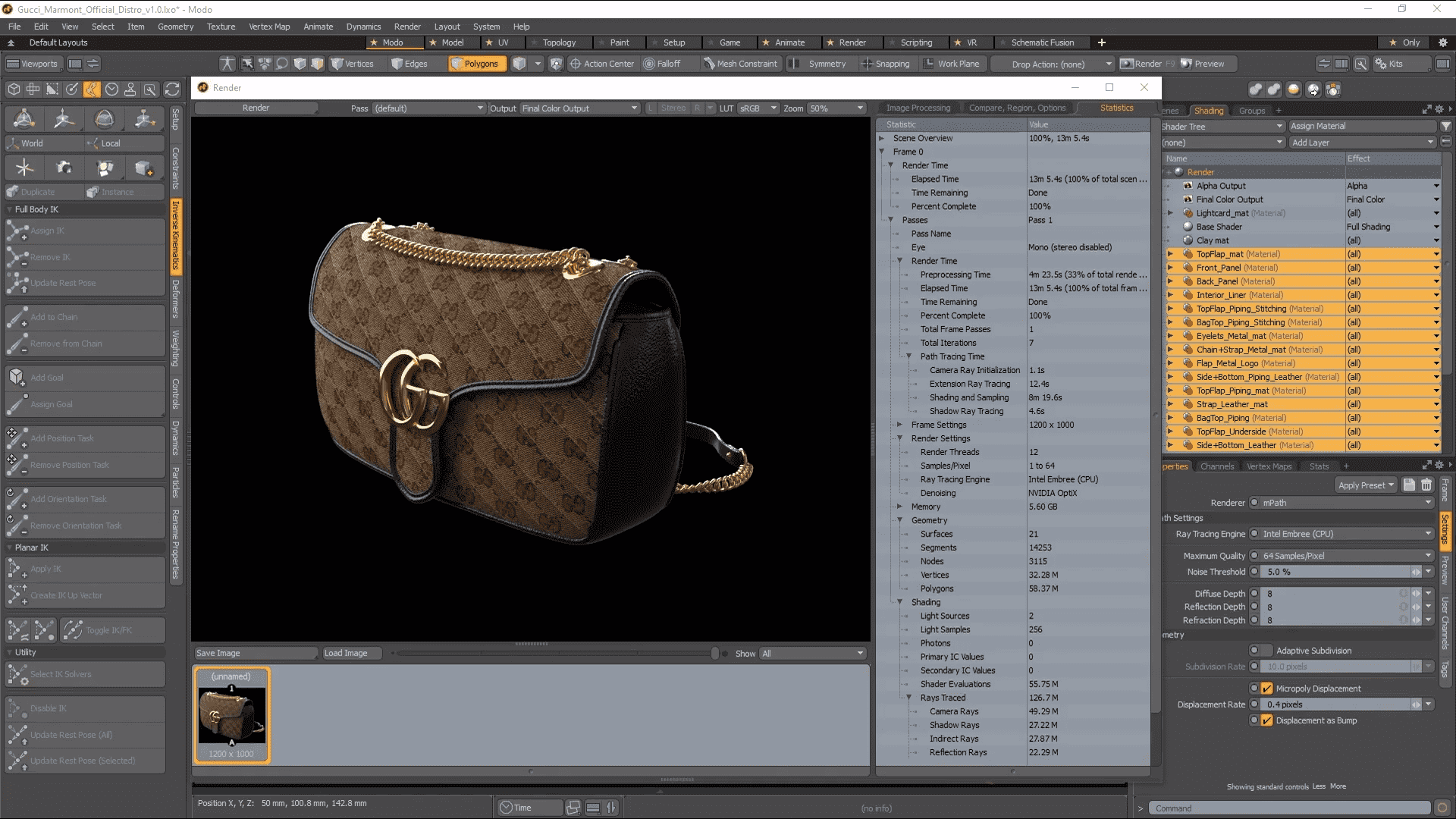
mPath Embree CPU path tracing
mPath takes full advantage of the latest multi core CPU systems hitting the market with the addition of Intel's Embree high performance ray tracing library. Embree enables faster ray tracing calculation for CPU platforms, including MAC.
mPath Optix 7 Update
GPU Ray Tracing on qualified NVIDIA hardware has been upgraded to use OptiX 7.
mPath is now significantly faster to render your ray traced scenes with NVIDIA OptiX 7. This update to mPath also adds support for ray tracing two-point polygons in OptiX—useful for rendering hair and fur.
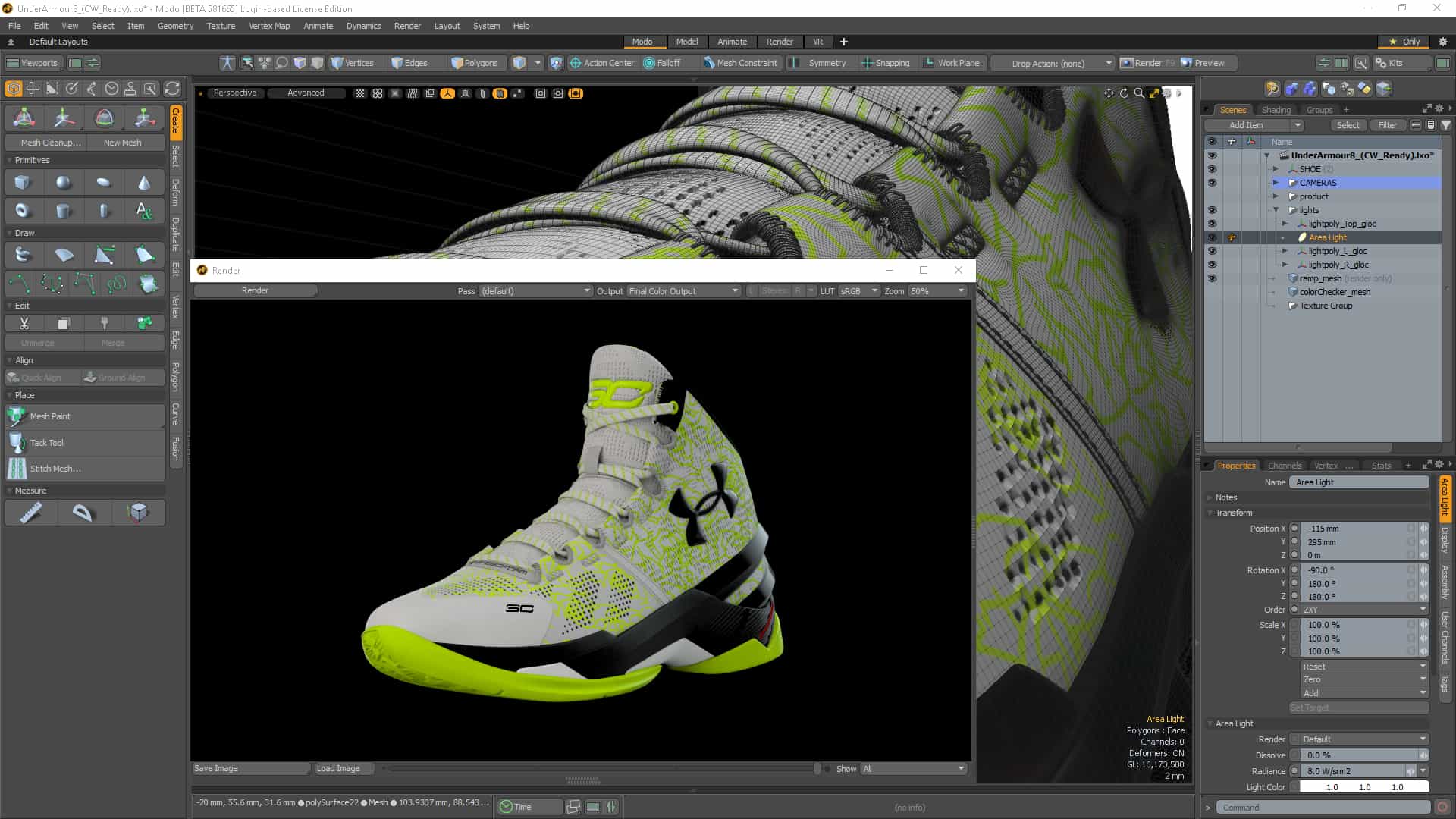
Automatic EIS
Simplicity can remove barriers and allow focus on the artwork at hand. Environment Importance Sampling (EIS) is now automated when rendering with mPath, based on whether any image maps are affecting the environment. Just another parameter not to worry about.
Denoising Improvements
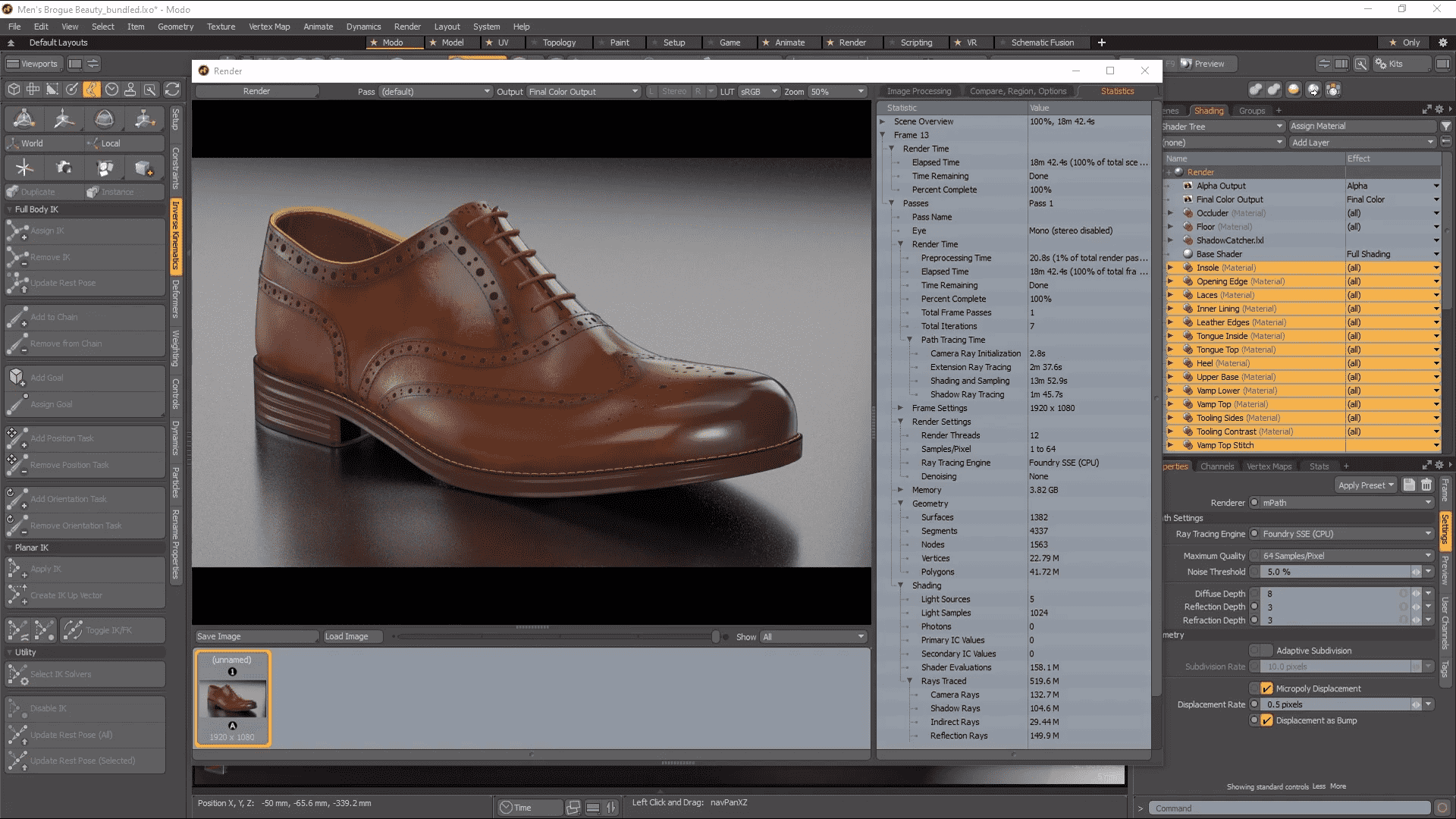
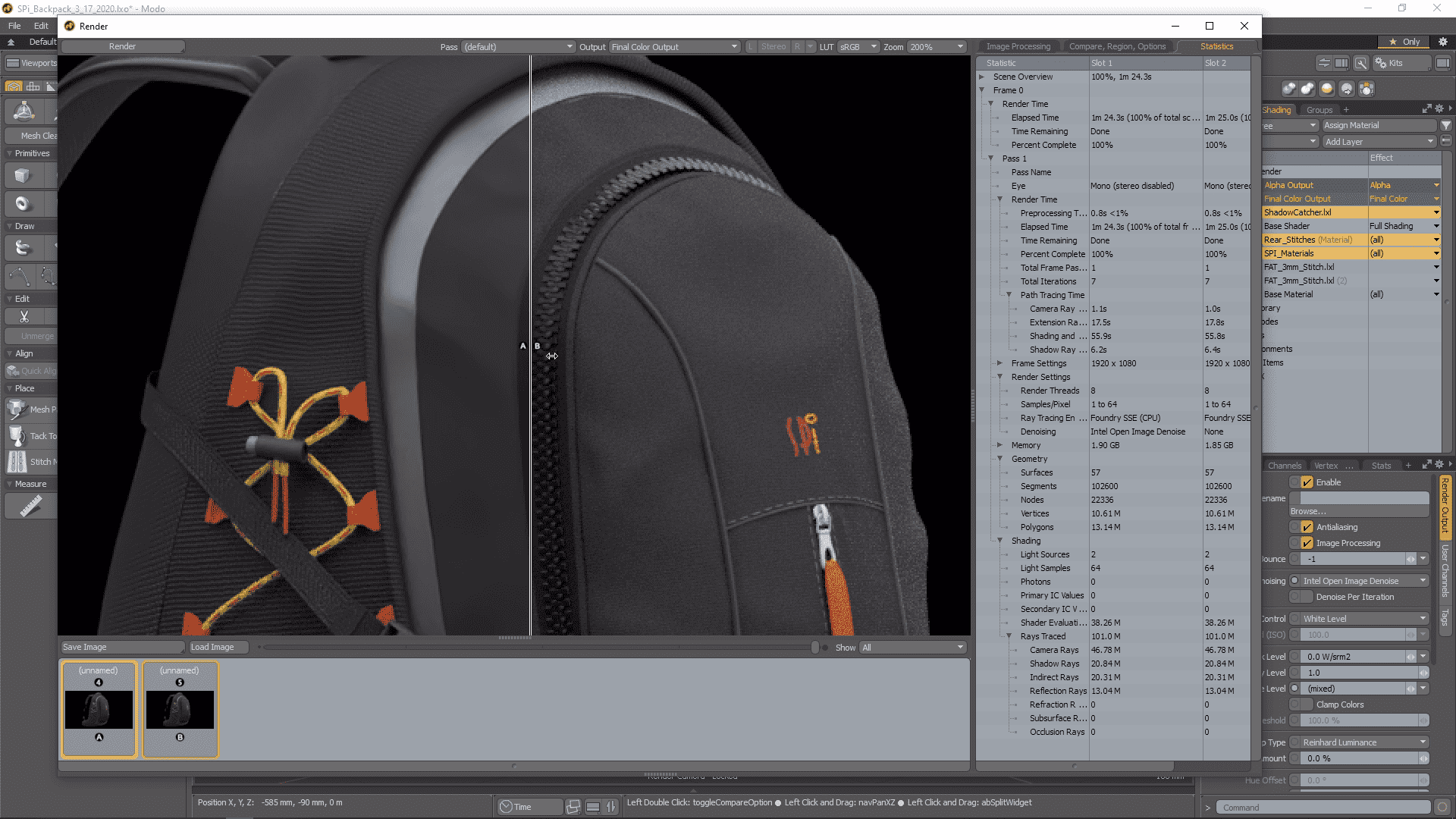
Denoising is an important part of a modern rendering workflow and mPath in Modo now offers two new options for denoising as well as improvements to the current Nvidia OptiX denoising.
Intel's Open Image Denoise is a new high-quality denoiser that uses AI to improve image quality on the host CPU, with no user parameters.
AMD AI is a new high-quality denoiser that uses AI to improve image quality on the GPU. It is most efficient on AMD hardware.
When looking for quick updates, Per Iteration Denoising can speed up your workflow by denoising the image between mPath iterations. It is currently available when using the Intel or OptiX denoisers.
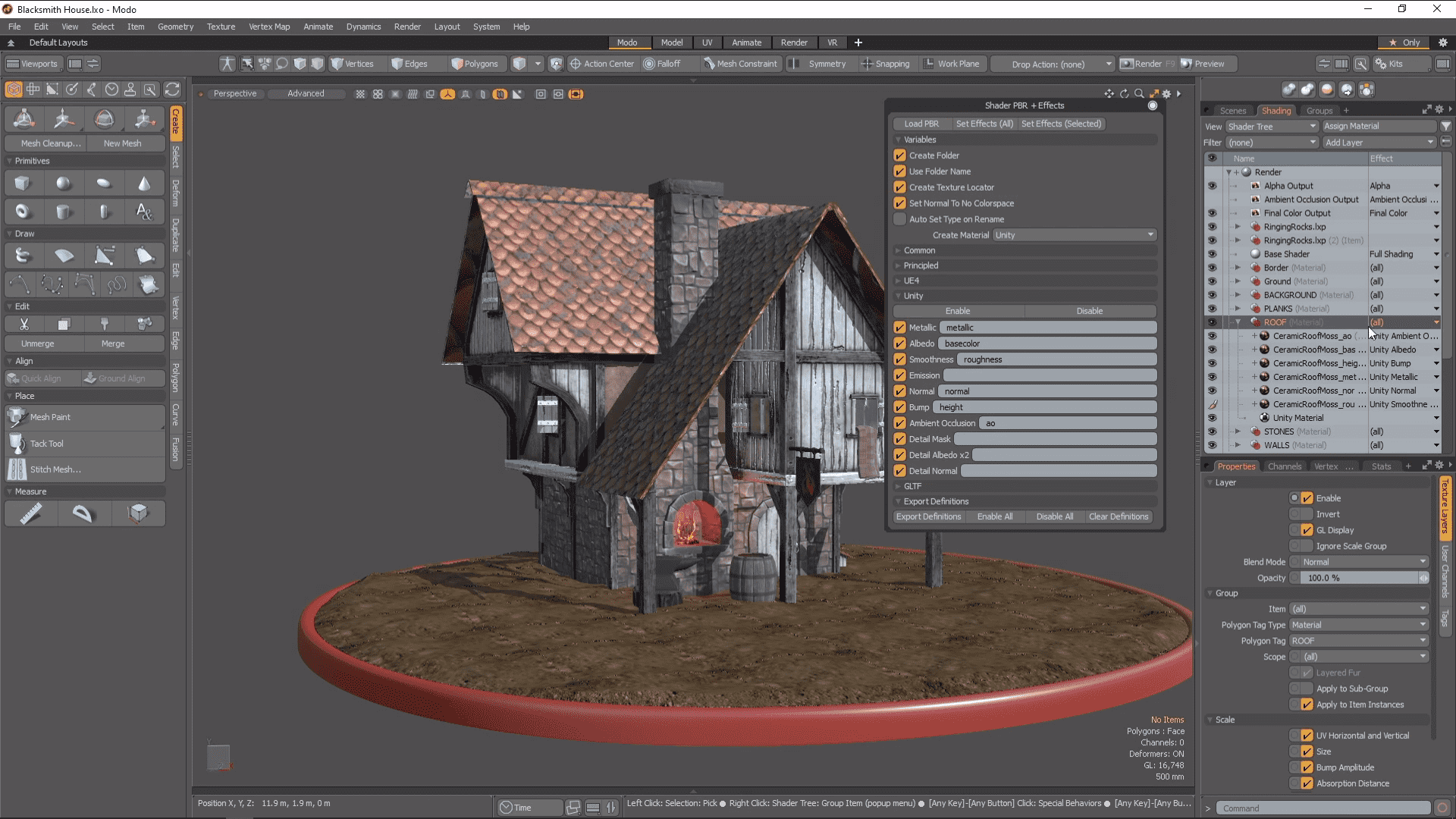
PBR Loader / Set Effects
PBR Loader allows you to rapidly load PBR textures created in other applications like Substance Designer into the shader tree. Quickly load in all related images, and then set their effect based on the effect in the name of the file.
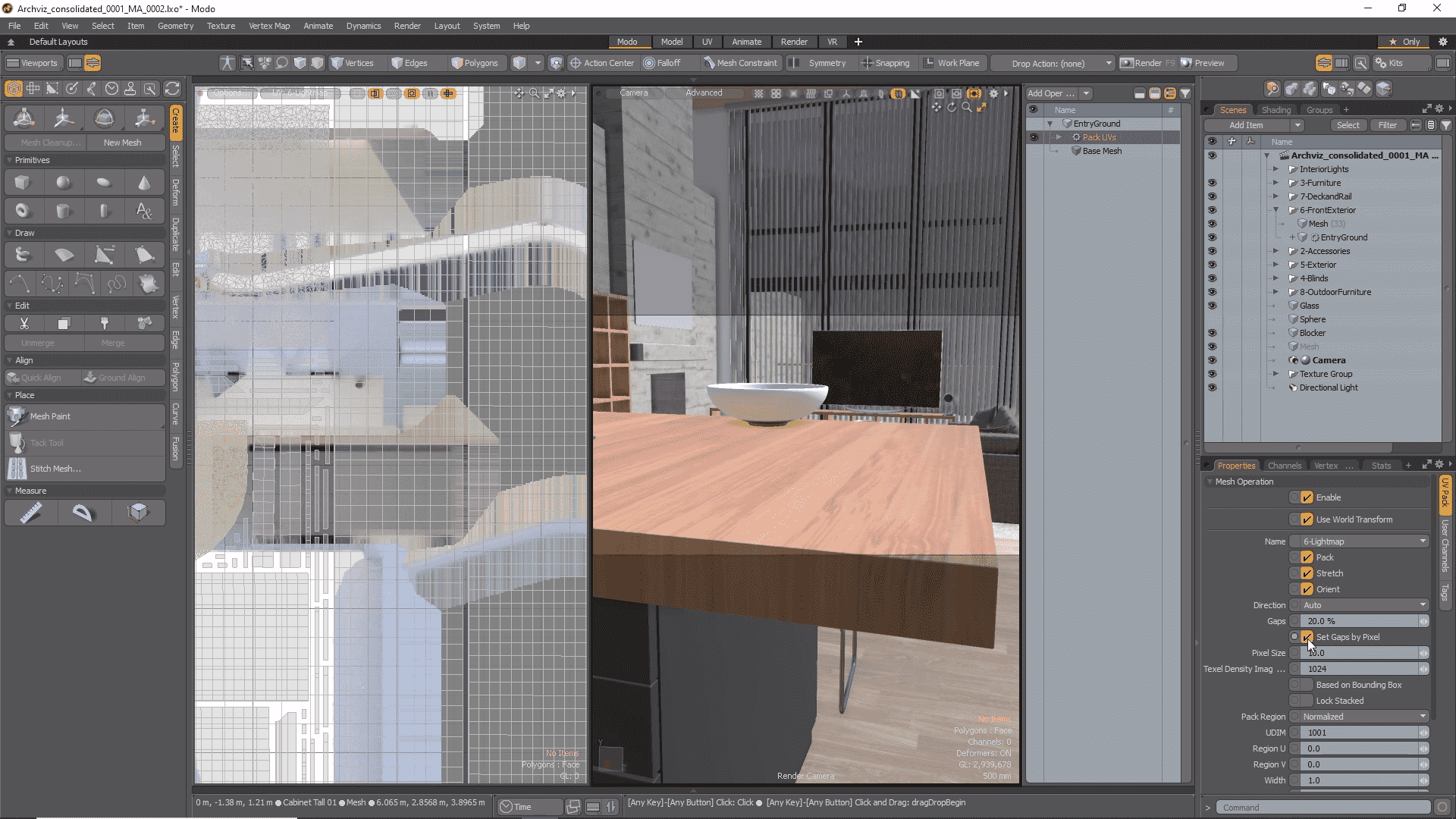
Gaps by Pixel Enhancements
The UV Pack and UV Fit mesh ops now have new attributes to set the gaps size by pixel for 14.1.
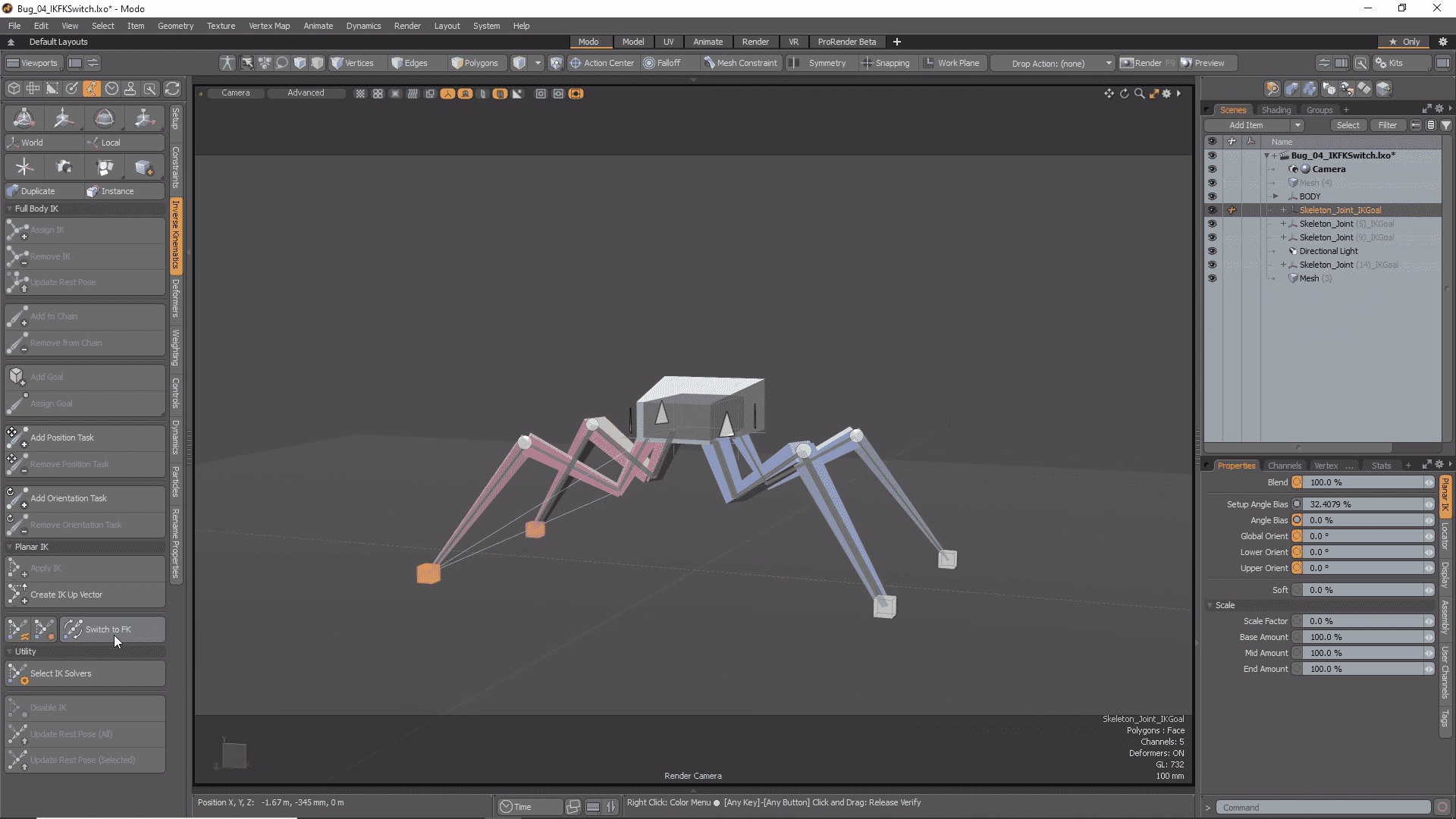
IK/FK Switching
Switching between IK and FK can be cumbersome. The new IK/FK Switching with Planar IK lets you quickly match IK to FK and FK back to IK. When animating you can easily visualize your state with fading IK lines and a custom IK Goal for IK or FK.
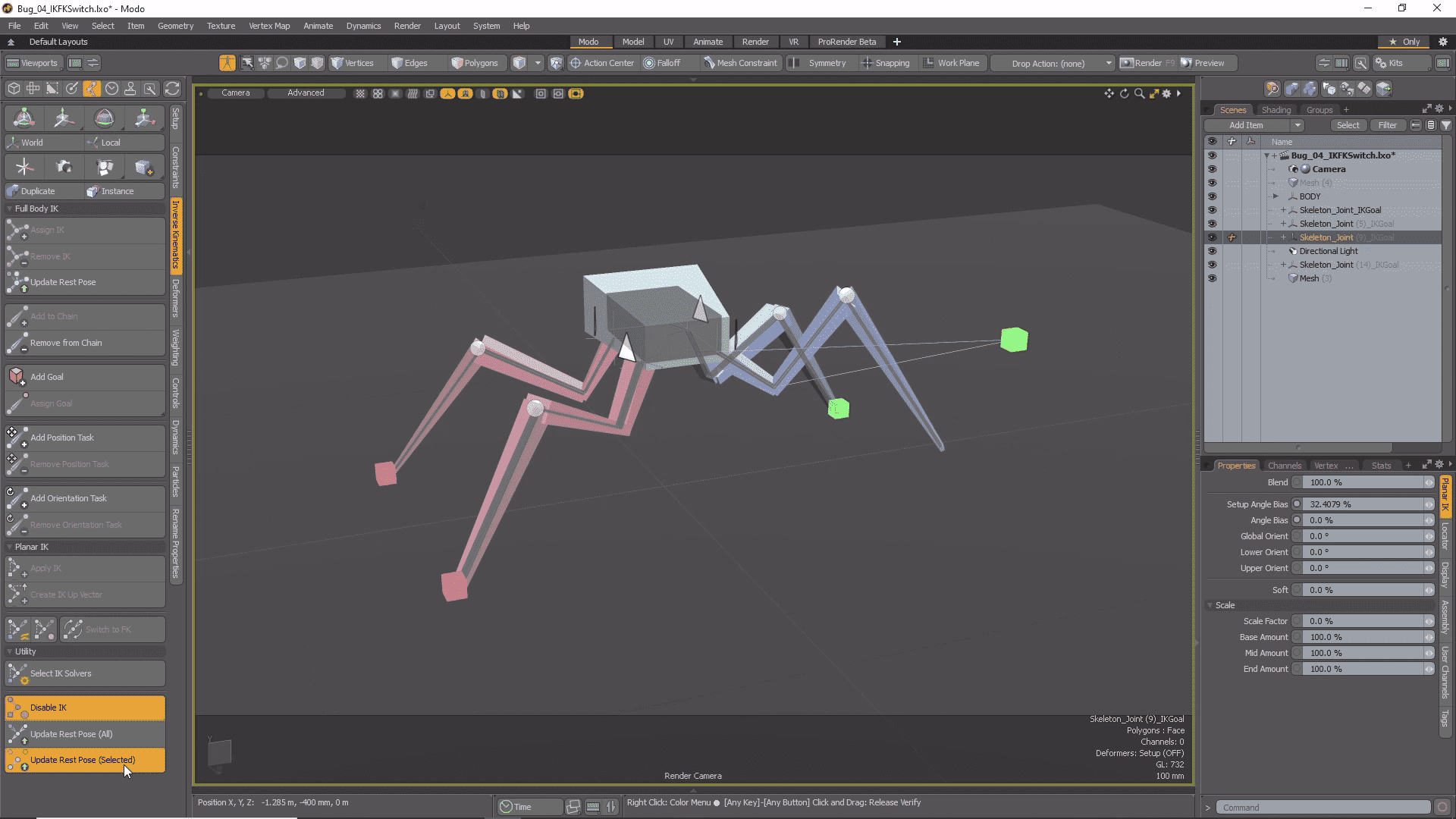
Disable IK & Update Rest Pose
Sometimes you need to adjust your joints after Inverse Kinematics has been applied. Disable IK enables you to do just that by tweaking joint placement even after IK is set up. Both Full Body and Planar IK can now be disabled in Setup mode and commands have been added to update the Rest Pose of both types of IK chains.
USD Importer
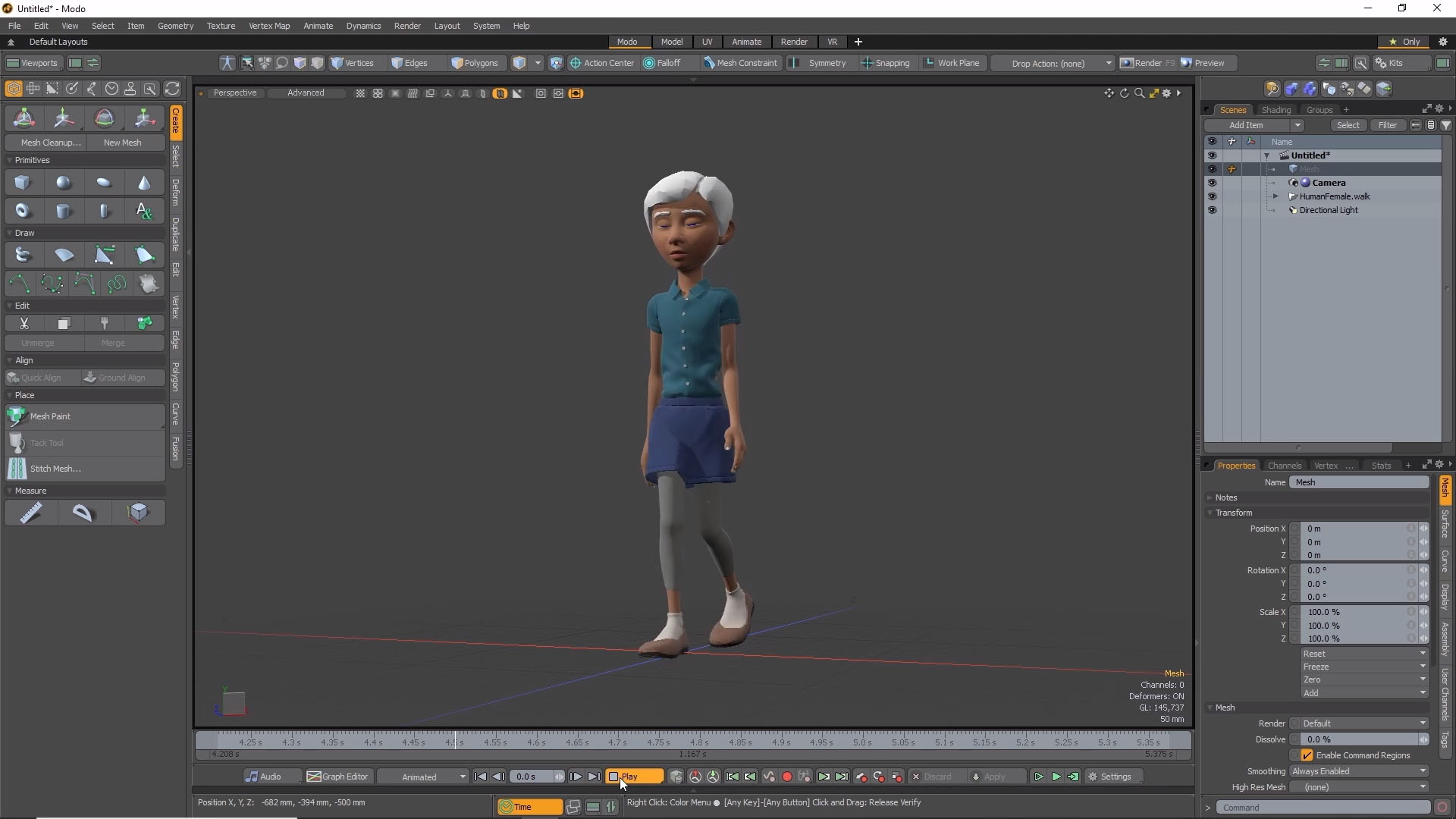
The UsdModo plugin enables you to import assets authored with Pixar’s Universal Scene Description into Modo. Types of Geometry, Curves, Lights, Cameras, Material, and Animation are supported.
Modo 14.0 View Release Notes
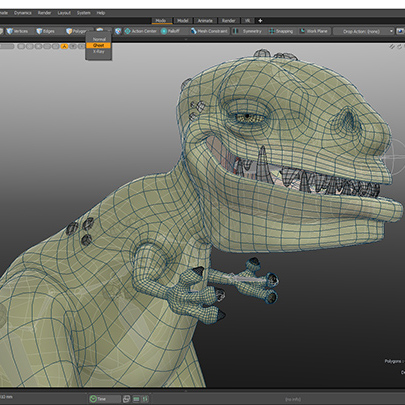
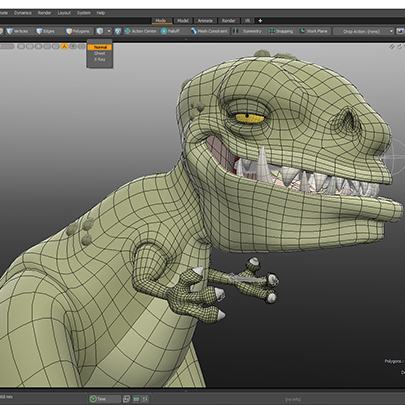
Ghost/Xray View Display
Whether you’re modeling or animating, coherent and customizable visualization of geometry is essential. Ghost and Xray viewport modes help you see what you need, when you need it, letting you stay in the creative flow.
Add Point
Changes are inevitable. This is always true when being directed. Add point allows you to revise existing details on your model by reducing the number of loops along a curve, providing a streamlined method of updating your models when those inevitable changes are thrown your way.
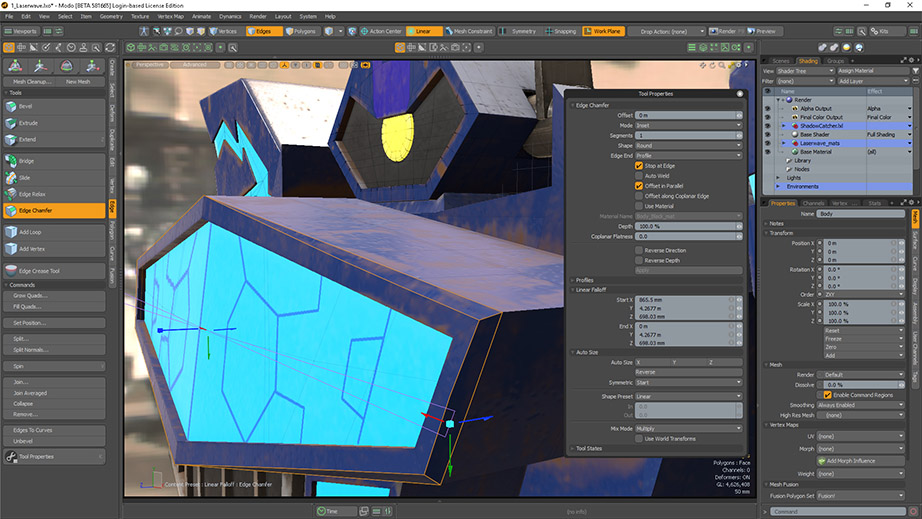
Edge Chamfer Falloff Weight
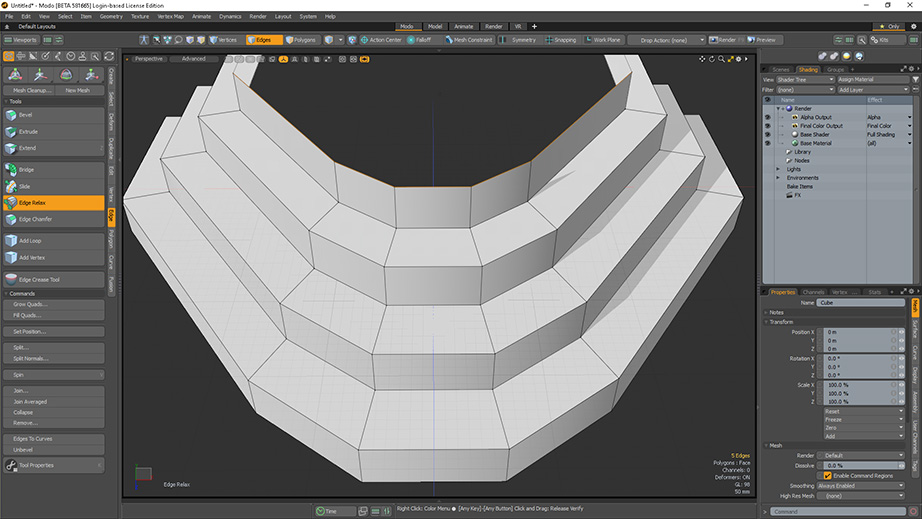
Edge Chamfer is the in-progress replacement for our edge bevel tools. In 14.0 we’ve taken further steps towards feature completion by adding falloff support for chamfer operations. Users can now exploit this modifier on our brand new tool.
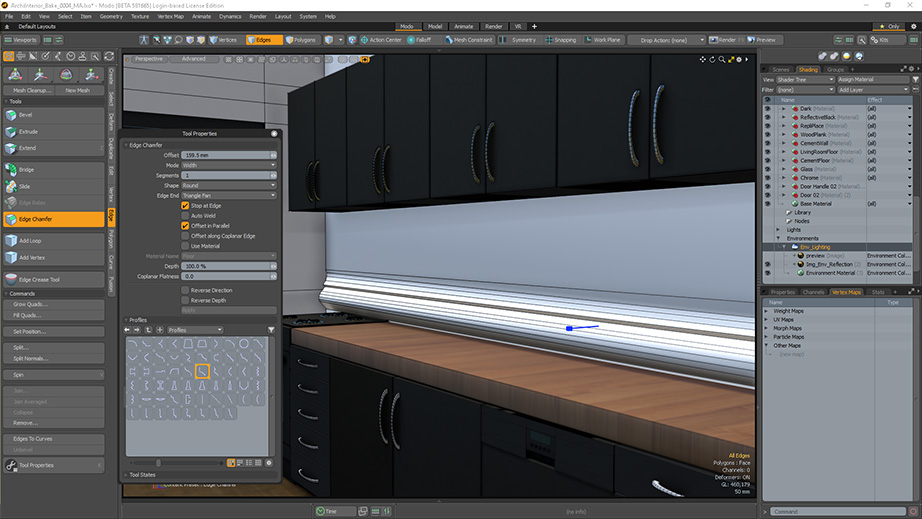
Chamfer 1D profile
Profiles are an essential part of Modo’s modeling arsenal. Allowing you to quickly produce detailed forms along geometry loops, chamfer profiles brings us one step closer to a feature complete chamfer tool.
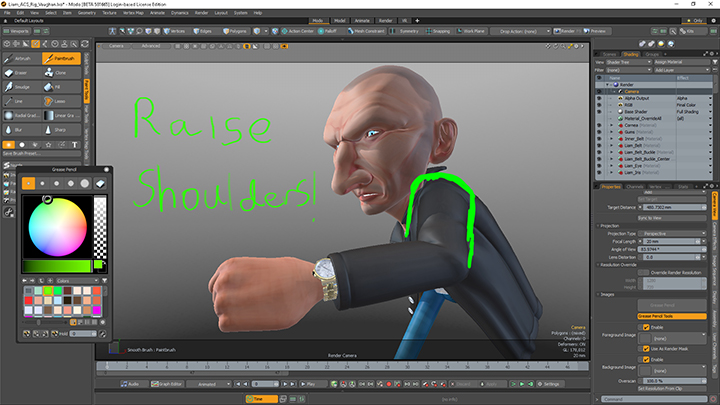
Markup
Art is communication. Quickly sketch notes or designs directly in the viewport, Whether it be on a single frame or across multiple, markup will help you communicate your ideas clearly.
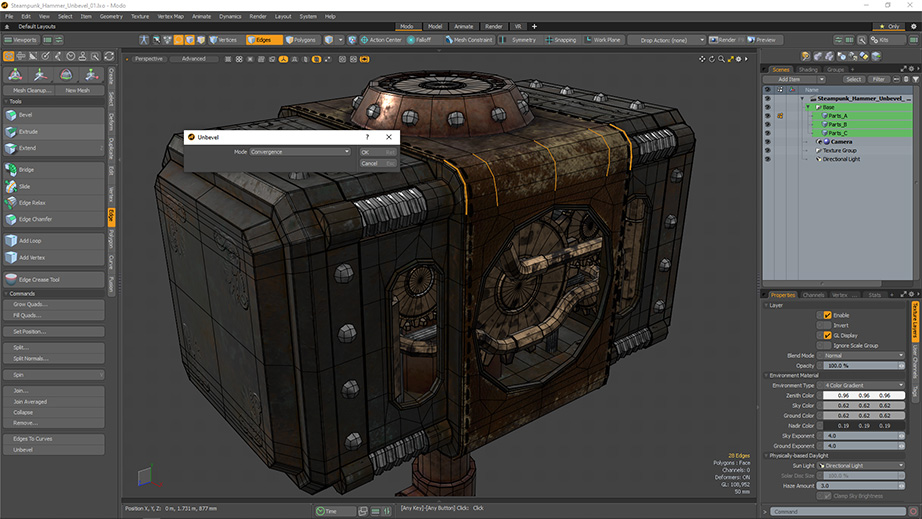
Unbevel
Every step in a modeling workflow can feel like a commitment. This is particularly true with edge bevels. Unbevel allows you to remove a bevel applied earlier, giving you the flexibility to iterate at late stages of a model or maybe just get home a little earlier.
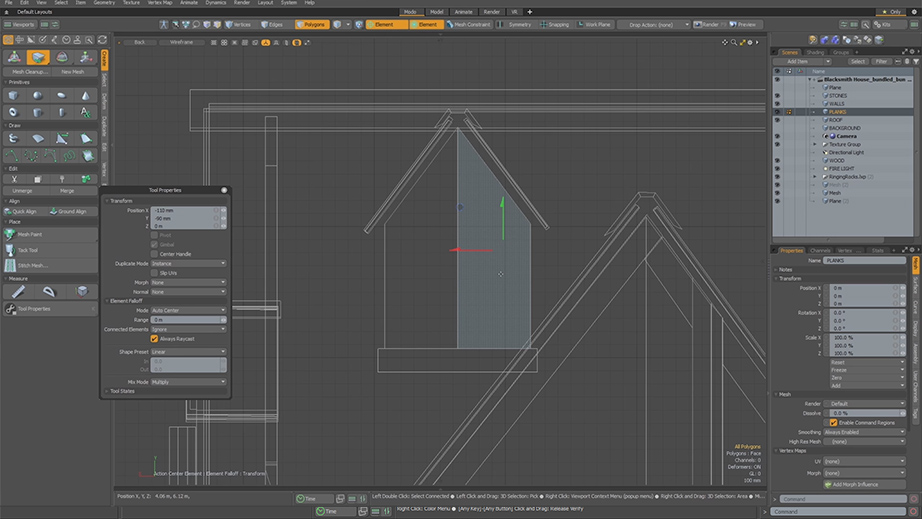
Element Move Raycast
If an application lacks workflow consistency then the workflow is broken. Element Move Raycast allows you to select polygons while in wireframe mode, exactly as you would in shaded modes, letting artists further leverage muscle memory that is dependent on consistent behavior.
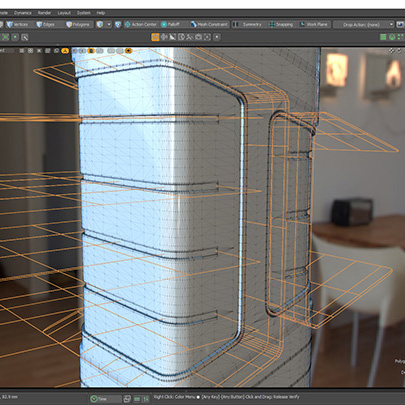
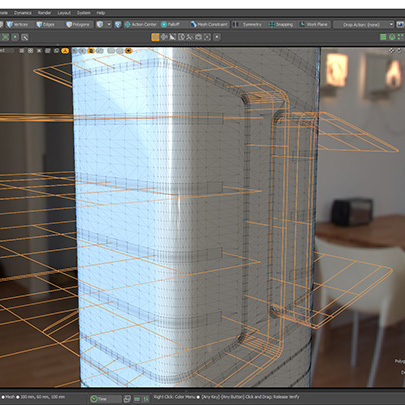
Mesh Fusion Embossing
Producing fine, non-destructive details on surfaces has never been easier with the introduction of embossing for Mesh Fusion. Simply sketch curves or leverage curve-based text to project precise embossed designs on your model.
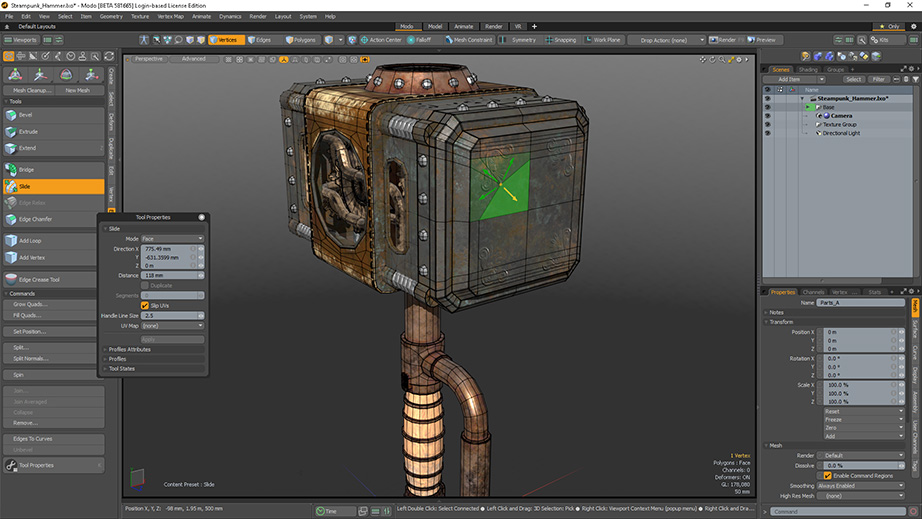
Face Slide
Modo is known for its innovative rapid modeling workflows. This innovation continues with Face Slide by giving you the ability to slide points over faces with easy-to-identify handles, furthering Modo’s modeling dominance.
Falloff World Option
Modo’s falloffs offered artists an easy way to customize their tools. By adding a world option, falloffs have been expanded to allow for consistent behavior across multiple mesh layers, fulfilling artist expectations.
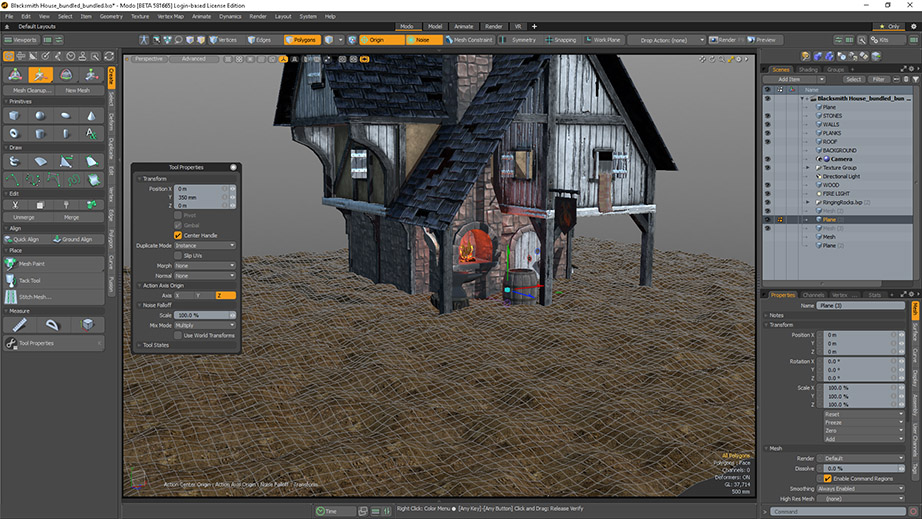
UV Enhancements
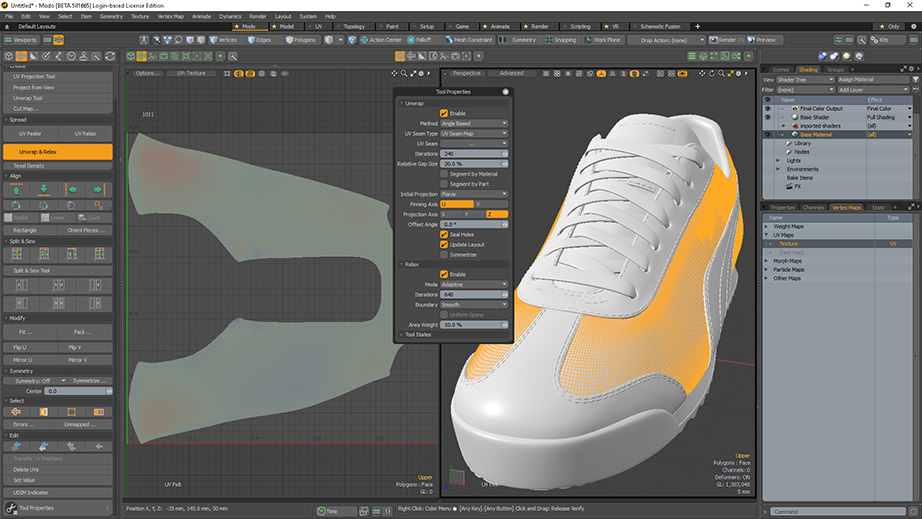
Modo has a tremendous library of tools that can streamline your asset creation workflows. However, when a series of tools are frequently used in a workflow, they should become one tool. Unwrap and Relax, ignore edge selection and eliminating auto activate for relax streamlines common UV workflows letting you produce complex and beautiful maps with ease.
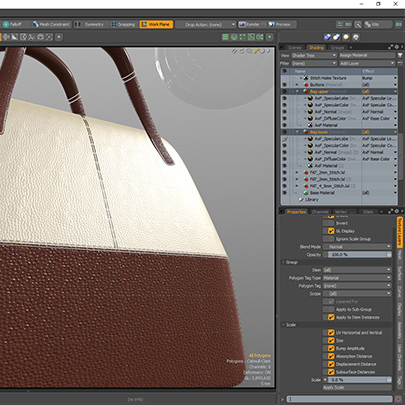
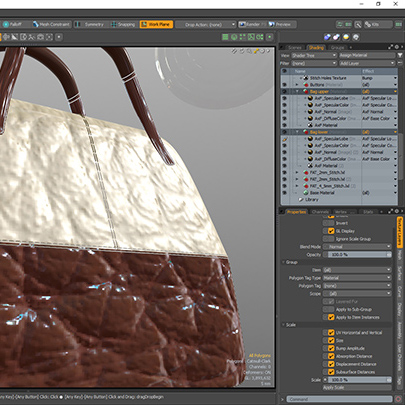
Scale Groups in Shader Tree
Making scale adjustments to complex materials just got a lot easier. Instead of having to dig through layers of textures and proportionally scaling each individual item, you can now quickly enter a scaling value that is correctly applied across all textures in a group.
mPath Light Pass Enhancements
We all spend enough time every day cleaning up. If you already have LPE’s for lights in your scene and you run the command to create them again, Modo no longer duplicates existing render outputs, eliminating tedious cleanup.
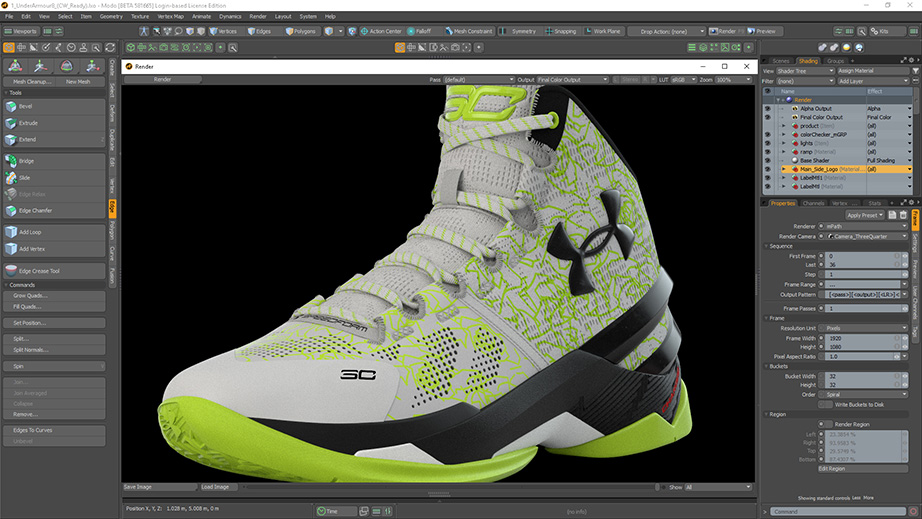
mPath AxF
AxF or Appearance Exchange format is quickly becoming an industry standard for materials in 3D design applications. mPath, the new pathtrace renderer in Modo, now supports AxF allowing users to leverage these high quality material presets in Foundry’s newest cutting-edge renderer.
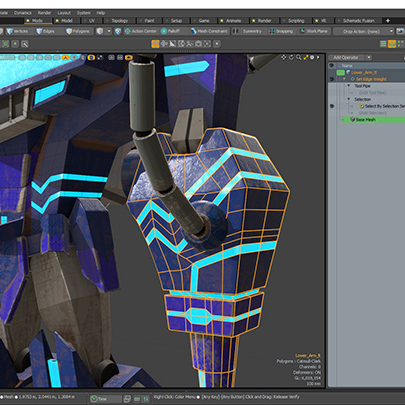
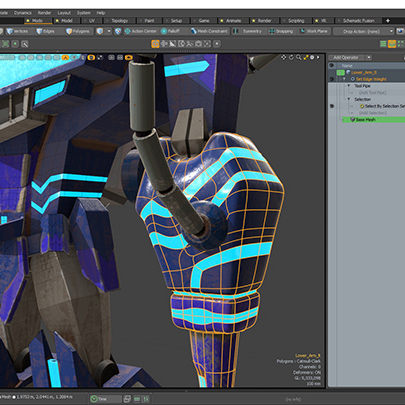
Procedural Vertex Maps
Vertex maps are useful in lots of ways. Modo contains a myriad of vertex map types and ways to use them. We’ve added support for vertex maps in our procedural modeling system, letting artists better exploit these maps procedurally.
Default Mouse Rotation
Modo’s trackball rotation offers a unique navigation style vs. other 3d applications; it can be very powerful for orbiting singular objects but jarring for new users. Trackball rotation is now turned off by default, making it easier for new users to transition. However, we still encourage you to spend a day with trackball.
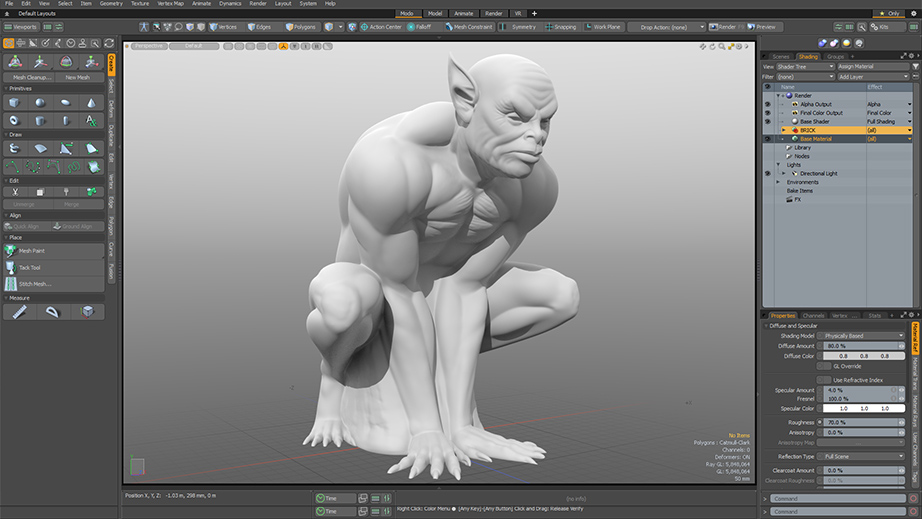
Rename Vortex Deformer to Twist
Language is an important part of software design. We’ve renamed the Vortex Deformer to Twist, making its behavior easier to interpret.
Select Partial
Modo’s selection tools are extraordinary and we are constantly evolving in this area. Select Partial provides an incremental improvement to our selection tools, giving artists more control over how components are selected in the viewport.