Find out about the artist behind the Nuke 17.0 splash screen.
Léo Châtel is a final year Environment / CG Generalist Artist student at Creative Seeds in France, gaining his first professional studio experience at Rodeo FX.
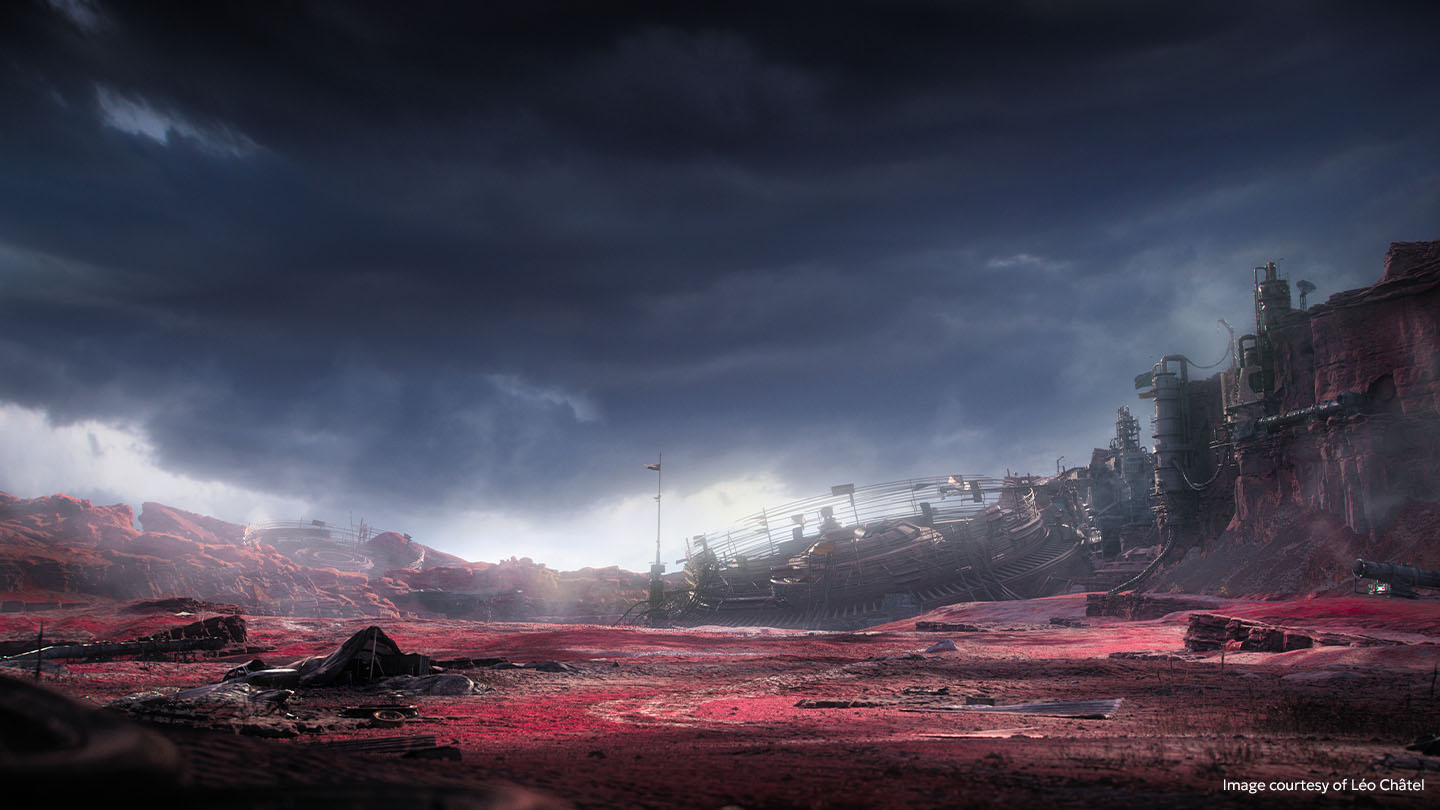
While still finishing up his studies, Léo recently created the stunning splash screen artwork for Foundry’s Nuke 17.0 release. In our latest Artist Spotlight, Léo tells us about what inspired him to go into VFX, his creative process for the Nuke splash screen environment artwork, and his advice for new artists.
Is there a particular film/scene/effect that inspired your career in VFX?
Yes, the tornado scene from Mad Max: Fury Road. I watched it at the cinema and I was really curious about how they did everything. I watched a lot of behind the scenes of this film and it convinced me and inspired me to start in this domain.
What do you enjoy most about working in VFX?
I really enjoy working as a team, combining everyone's work to literally build what we want with passion, with the aim of entertaining the audience. It’s very inspiring to discover the work of other artists, to see the creative process, and to discover new techniques!
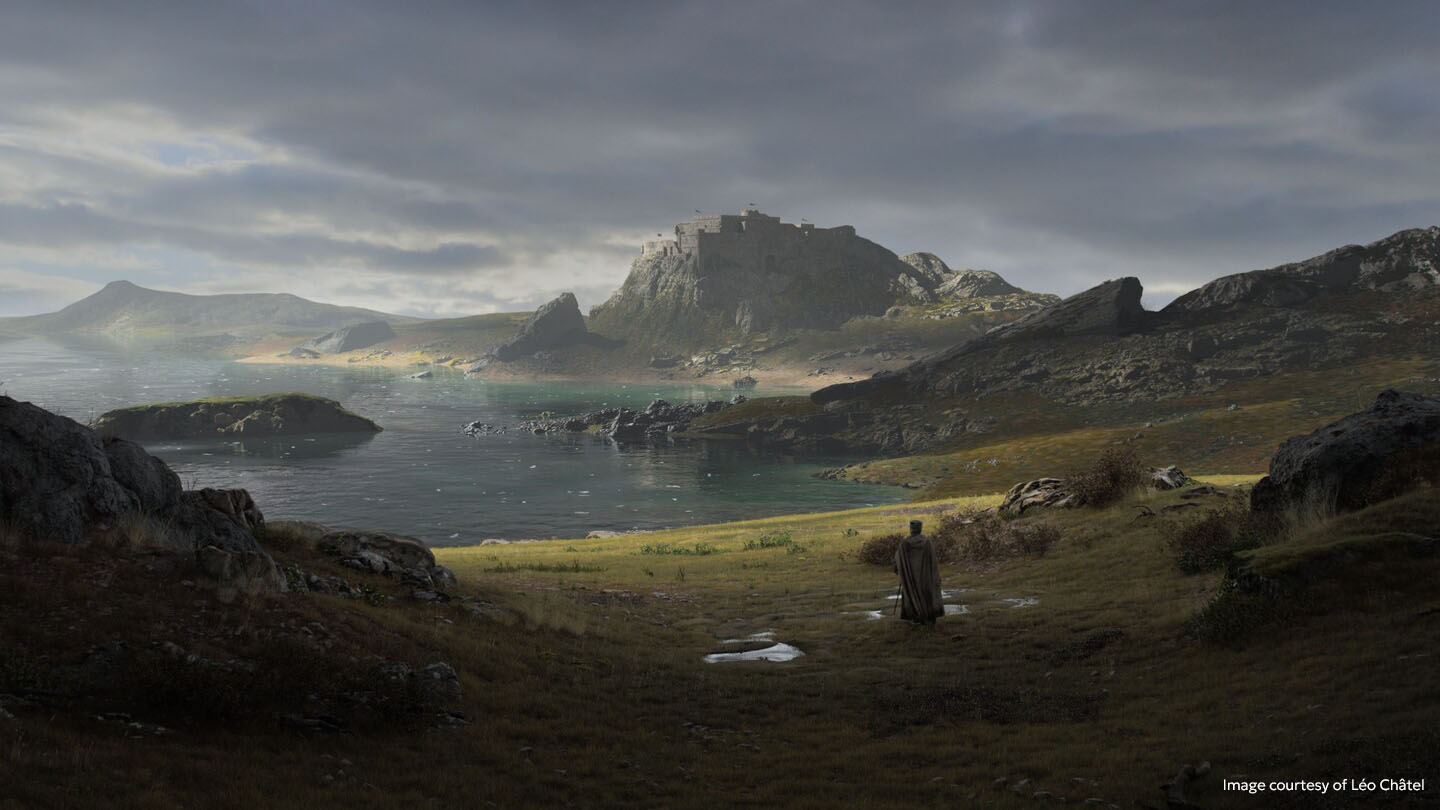
What project/s are you most proud of and why?
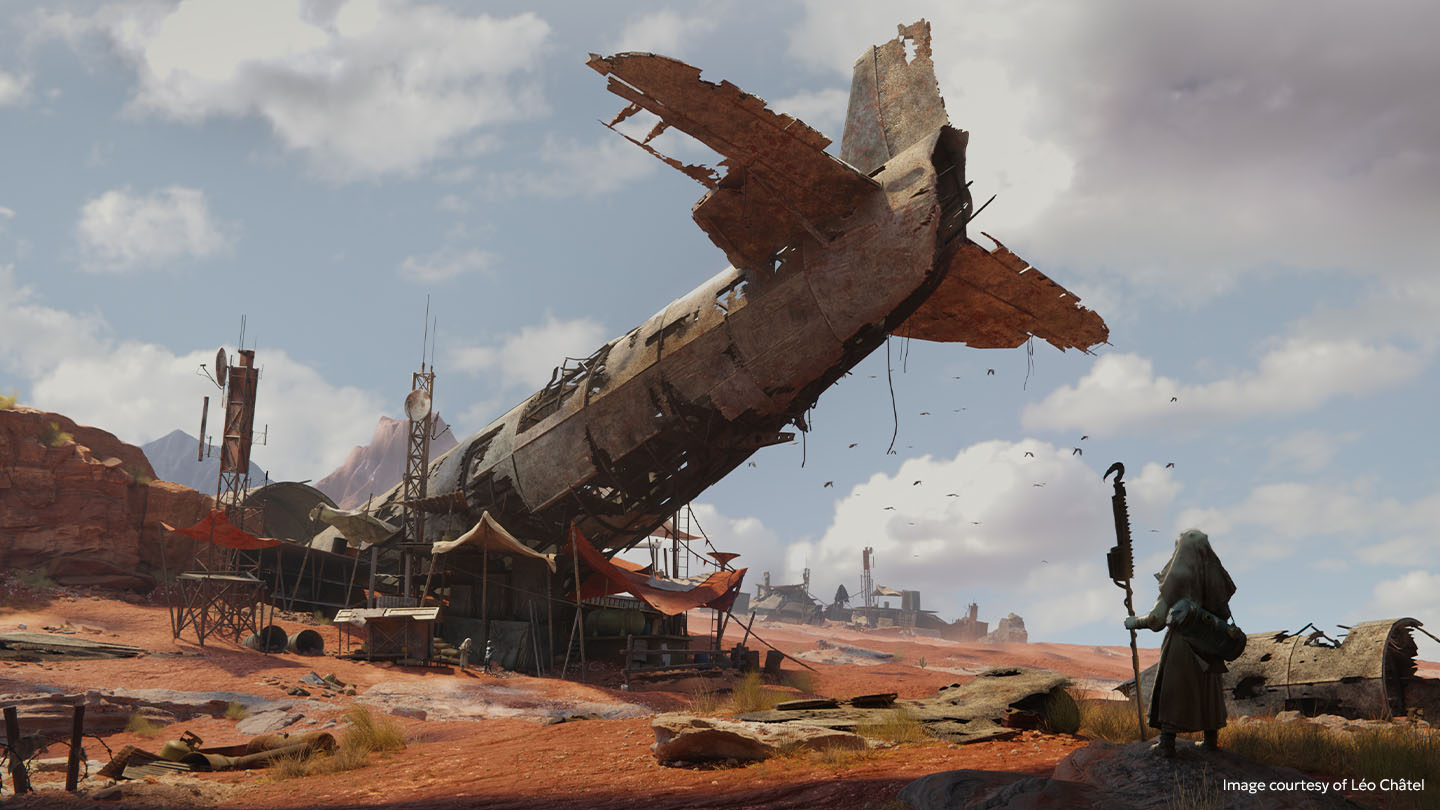
Created during my second year, my 'Crashed Plane in the Desert’ environment brought me the most satisfaction — not only because of the technical execution, from modeling and FX to compositing, but also for the incredible opportunities that followed. It was featured in a student reel, and ultimately opened the doors for me to create the Nuke 17.0 splash screen.
What were your main inspirations for this project?
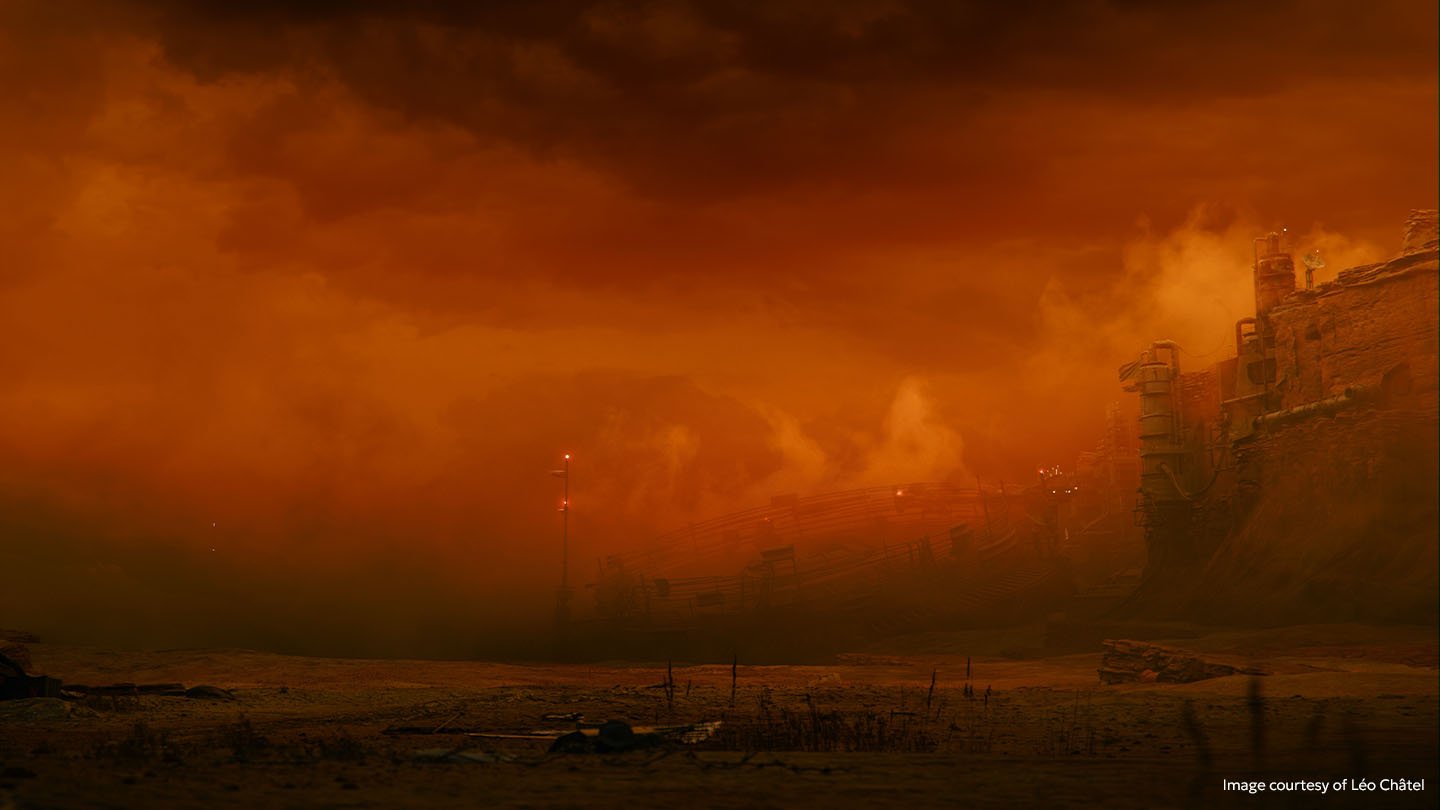
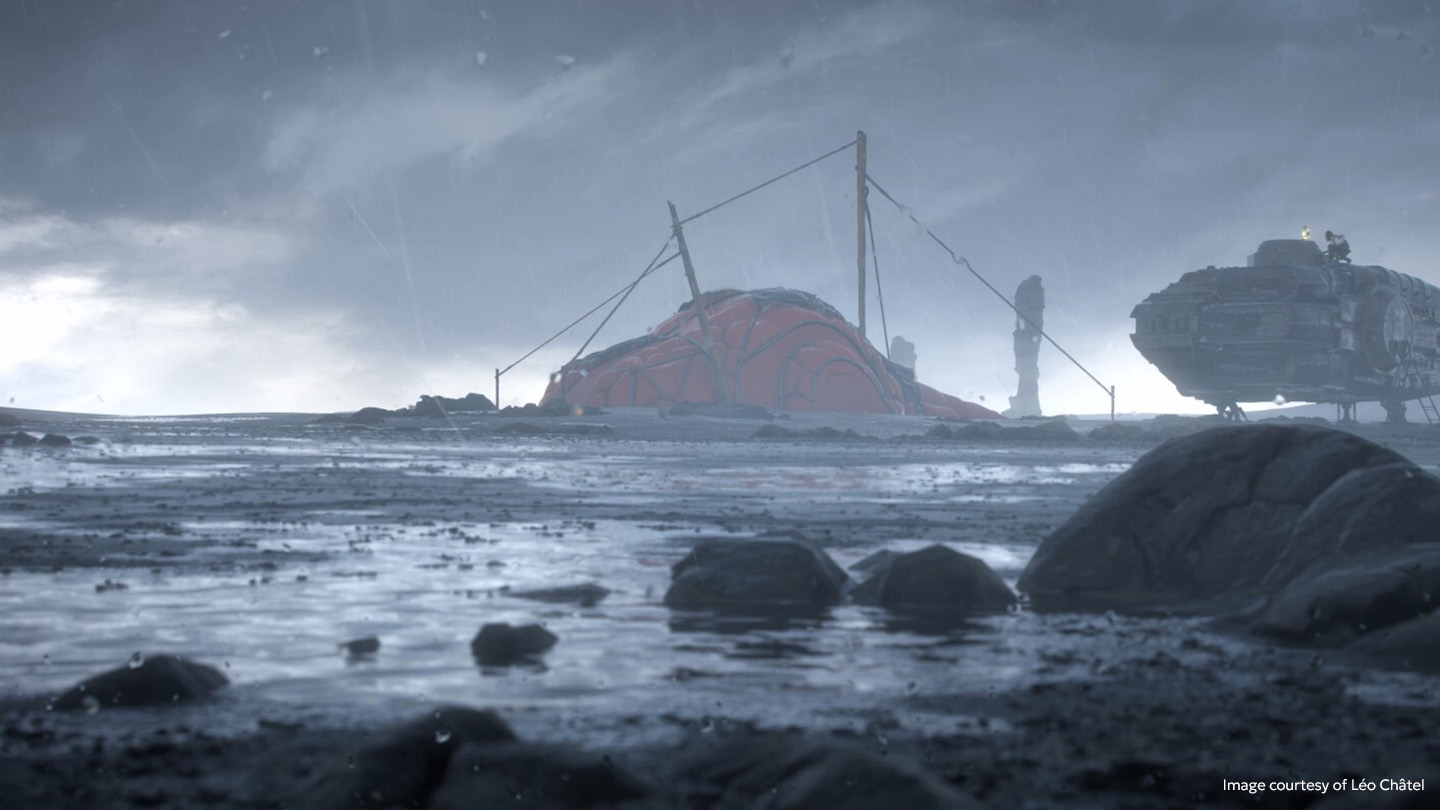
My inspiration for this project draws from the world of science fiction, with a distinct influence from the Star Wars saga. The goal was to create a symbiosis between an imposing industrial aesthetic, and a dystopian atmosphere. I worked with a color palette of reds, pinks, and blue tones that are both soft and striking to create a sharp contrast between the serenity of the colors, and the mechanical harshness of the modules.
I also wanted to visually narrate the power of depth, as a nod to Deep nodes, which are essential and powerful tools in Nuke. The mist, for instance, does more than just mask the background: it weaves through the structures, wraps around the base, and reacts to light volumetrically.
Can you tell us about any research you did and real-world references that you used?
I began my research on platforms like ArtStation, Instagram, and Pinterest to fuel my creative process. The challenge was to carefully select the most impactful elements to create a perfect synergy between my own artistic vision, and the brief.
Beyond pure aesthetics, incorporating real-world references was a cornerstone of my work. They allowed me to accurately analyze the physical behavior of materials under light, as well as the complex structure of mechanical volumes. My goal was to establish a credible and functional logic for every element, thereby strengthening the visual storytelling of the environment.
Did you use any AI tools?
I used AI tools only for specific tasks that would otherwise have been time-consuming. For example, when dealing with references that were sometimes too abstract, I used upscaling tools to better interpret certain shapes and details, which helped me avoid an overly uncertain interpretation phase. These tools were also used to enhance the resolution of certain textures that were initially too low for my intended use, ensuring a consistent level of detail throughout the project.
Did you learn anything new while working on this project?
Work on the splash screen enabled me to strengthen my proficiency in Nuke, particularly in more advanced areas such as the use of Deep nodes. I was able to further develop my compositing techniques using volumetric data to manage interactions between elements more effectively, including atmospheric integration, masking, and complex occlusion issues.
Were there any specific challenges in this project that Nuke helped you to overcome?
At the beginning of the project, I struggled to visualize the suggested color palette and inspirations. To overcome this, I quickly produced preliminary, unfinished images, sufficient for conducting my initial composition tests in Nuke. This iterative approach meant I could quickly adjust the colorimetric values, perform numerous tests, and ultimately, better define the artistic direction to follow.
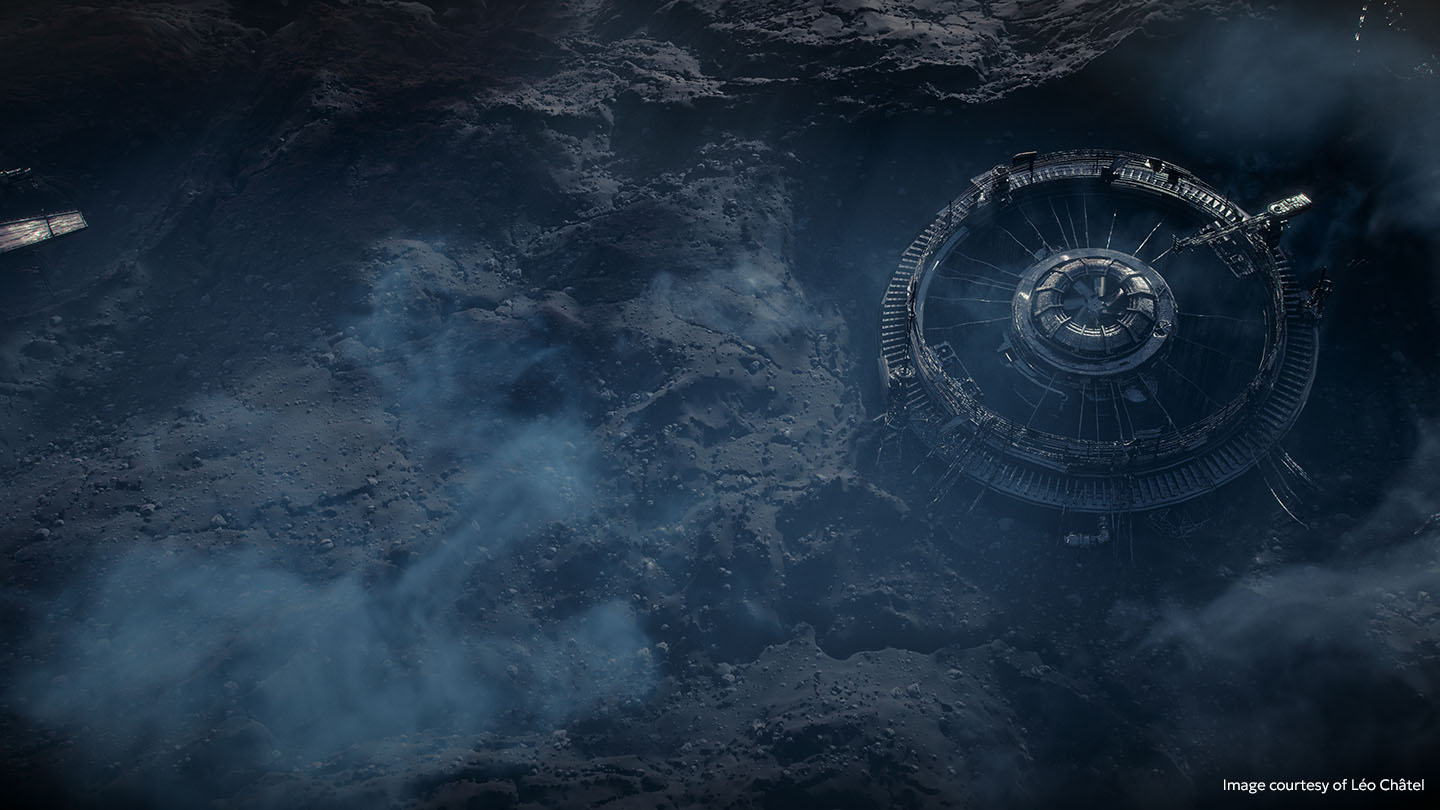
How does it feel to know that you’ll see your own artwork when you open up the software?
It's incredible, especially at this stage of my career, and all the more so considering the artists who came before me and their journeys. It's very inspiring and a huge source of motivation.
What features or characteristics of Nuke do you particularly like, and why?
Nuke is an essential tool. I particularly appreciate the software’s approach to work, especially its very user-friendly node system. There’s also a wide range of tools developed by the community.
What advice would you give to people hoping to break into the VFX industry?
The most valuable piece of advice I could give, on my level, is to cultivate curiosity. Take the time to regularly discover new tools, follow the work of artists and studios, and be nourished by what is being done around you. Getting involved in the community can be very rewarding: joining Discord servers, joining discussions on forums, or following tutorials allows you to progress while staying connected to others.
I also strongly encourage students to develop their cinematographic culture. Cinema is an incredible source of inspiration, and understanding the history of the medium brings real depth to your work. Exploring both recent works and great classics builds a solid foundation that enriches your perspective.
Check out more of Léo’s work.
Explore our library of Foundry Learn tutorials to help you get more out of Nuke. And if you’re a student, head over to our Education page.